
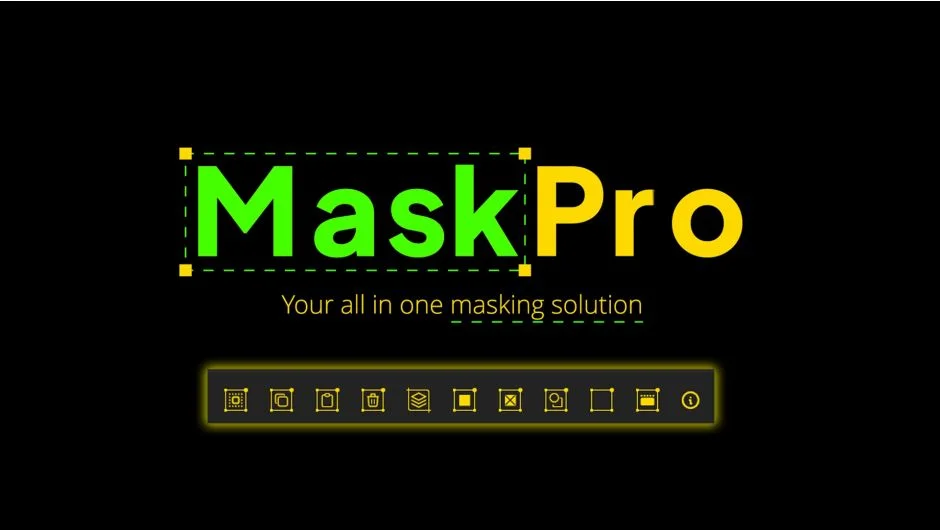
What It Does
MaskPro is a UI panel that simplifies mask operations in After Effects. Instead of navigating menus or manually managing mask properties, you get direct buttons for tasks like selecting all masks on a layer, copying masks between layers, or splitting a multi-mask layer into separate pieces. The panel also bridges masks and shape layers with one-click conversion tools.
Key Features
Select all masks. Click once to select every mask on your chosen layers, useful when you need to adjust or delete multiple masks at the same time.
Copy and paste masks. Move masks between layers with or without their keyframes. This makes it simple to duplicate animated masks or transfer static shapes across your composition.
Convert shapes and masks. Turn shape layers into masks or masks into shape layers with a single button. Helpful when you need to switch between vector workflows and layer-based masking.
Freeze and defreeze. Lock masks in place temporarily, then restore them later. Prevents accidental edits when working with complex layer setups.
Generate mattes. Creates a shape layer matte around the selected layer’s bounding box in one click, saving time when building compositions that need background elements or frames.
Split masks into layers. Takes a layer with multiple masks and separates each mask onto its own layer. Useful for isolating elements or applying different effects to individual masked regions.
Pre-compose based on masks. Quickly nest layers using their masks or bounding boxes as guides, streamlining composition organization.
Who It’s For
Motion designers working with rotoscoping, motion graphics artists building layered compositions, and anyone who frequently manipulates masks will save time with this panel. If you find yourself repeating the same mask operations across multiple layers or comps, MaskPro removes those steps.
Pricing
Single purchase at $9.99. No subscription. Trial version available on the product page.