
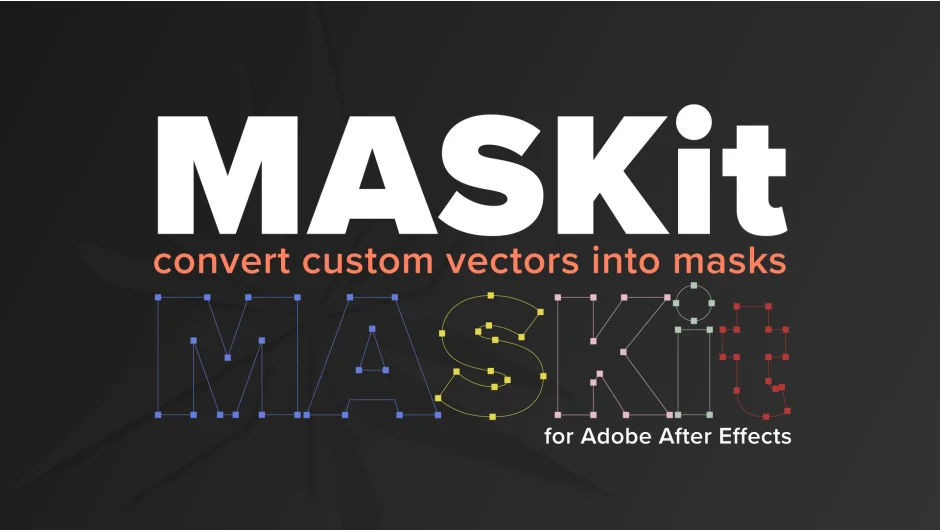
What It Does
MASKit converts custom vector shapes on shape layers into standard After Effects masks. Point the script at any shape layer (like an imported Illustrator file converted to shapes), click the button, and you get labeled masks matching each path in the original. Useful when you want mask functionality but started with shape layers, avoiding the manual work of recreating paths or setting up track mattes.
Works with custom pen tool shapes. Won’t process After Effects’ built-in ellipse, rectangle, or polygon shapes.
Key Features
MASKit button. Scans all selected shape layers and creates masks for every path inside them. Automatically renames each mask based on the originating group and path name, so you know which mask came from which shape. Handle multiple shape layers in a single click.
CENTERit button. Aligns the selected shape layer to the composition center, regardless of comp resolution or aspect ratio. Optional step if you need centered placement before generating masks.
SNAPit button. Adjusts newly created masks to match the orientation and structure of their original shapes. One-time use per mask set. Also optional if you plan to move masks manually afterward.
Masks are always created with the Add blend mode. You’ll need to adjust other settings (like Subtract or Intersect) yourself. If you click MASKit multiple times on the same layer, it generates duplicate masks, but undo fixes that. Same with SNAPit: hitting it repeatedly offsets the masks again, so use it once.
Who It’s For
Motion designers working with imported vector graphics who want masks instead of shape layers for specific workflows or plugin compatibility. Saves time when you need to copy masks to other layers or feed them into effects that require mask paths. Not critical if you’re comfortable with track mattes, but handy when masks are the cleaner solution.
Pricing
Pay what you want pricing. The standard suggested price is $19.99 as a one-time purchase. Free trial available, limited to masking one path. The CENTERit and SNAPit buttons are disabled in the trial version.