
What It Does
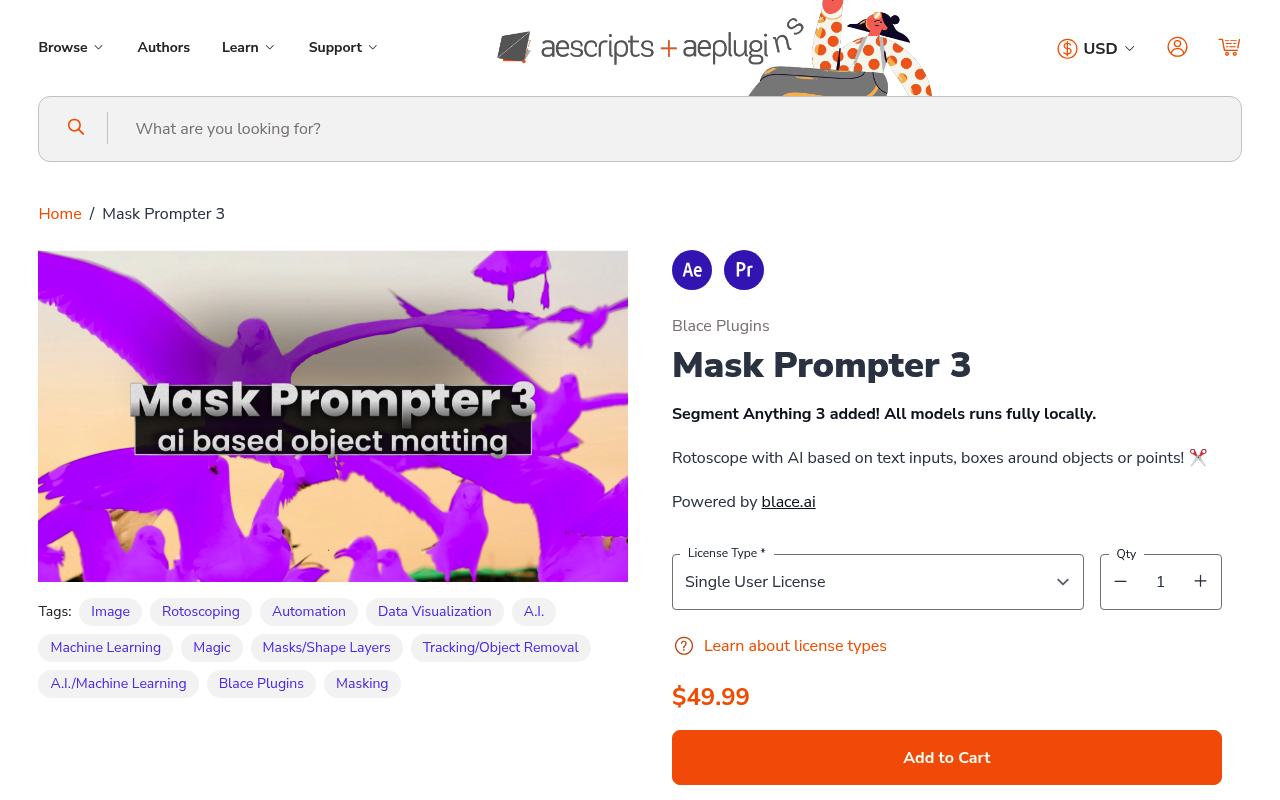
Mask Prompter generates mattes for rotoscoping using AI models that run locally on your machine. Instead of manually drawing masks frame by frame, you describe what you want to isolate using text, draw a bounding box around an object, or click a single point for stable video tracking. The plugin uses Segment Anything 3 and other models from blace.ai to analyze footage and create alpha channels automatically.
You can isolate multiple objects in one pass by separating prompts with dots (e.g., “person.car.building”). For simple objects, a single point click generates a matte that tracks across frames. The refinement module processes results to reduce edge artifacts and improve accuracy.
Key Features
The plugin supports three input methods: natural language text prompts, custom bounding rectangles for specific objects, and interactive point-based prompting. All processing happens locally, so no footage leaves your system.
Output options include overlay previews, black-and-white mattes, or alpha-channel content with transparent backgrounds. You can generate detection boxes to verify what the AI identified before committing to a full matte. The Segment Anything 3 integration provides baseline quality, while the refinement module polishes edges for cleaner compositing.
Stable video results mean mattes remain consistent across frames, reducing flicker and manual cleanup. The custom AI extensions allow for interactive adjustments when automatic results need correction.
Who It’s For
Useful for VFX artists and compositors who need quick mattes for background replacements, color grading specific objects, or isolating elements without traditional rotoscoping. Works best for footage with clear subject boundaries. Not a replacement for precision rotoscoping on hair or complex transparency, but handles solid objects, vehicles, and defined shapes efficiently.
Requires specific hardware: Windows with NVIDIA GPU (8GB+ VRAM recommended), or Apple Silicon Mac with macOS Sequoia or later and 16GB+ RAM. Other configurations will run very slowly or not at all.
Pricing
Single purchase at $49.99. No subscription. If you bought any previous version after April 11, 2025, you get version 3 free. Otherwise, existing customers pay $35 for the upgrade (applied automatically when logged in). No free trial available. Works in both After Effects and Premiere Pro. Developed by Blace Plugins.