
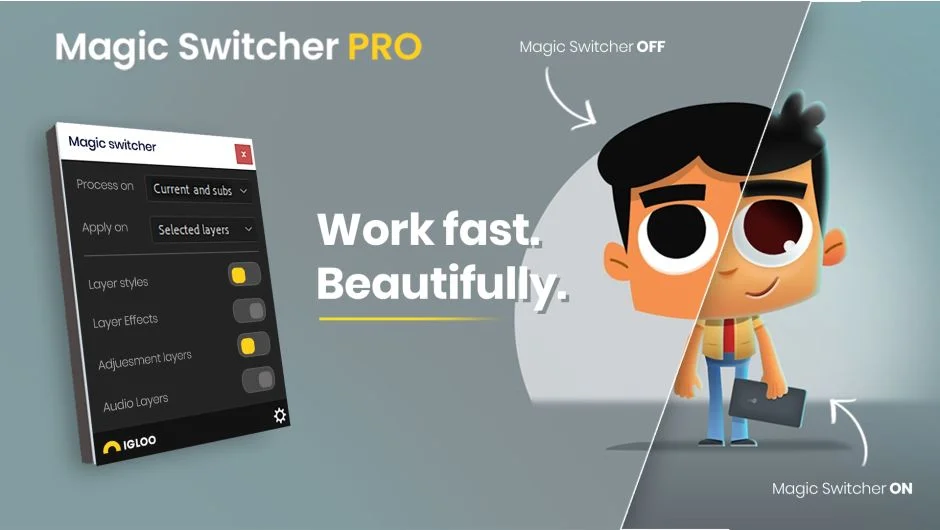
What It Does
Magic Switcher PRO lets you toggle layer styles, effects, and adjustment layers on or off across your entire After Effects project with a single click. The workflow is simple: style your scene with effects and adjustments, turn them off to animate cleanly without slowdown, then flip them back on for final render.
The PRO version works project-wide and includes a compact panel design. A free version is available that works only on the active composition.
Key Features
Single-click toggling. Turn all effects, layer styles, and adjustment layers on or off at once, rather than manually disabling each one.
Non-disruptive animation workflow. Apply your look during setup, disable effects while you animate, then restore them before rendering. This keeps your timeline responsive while working on complex scenes.
Project-wide control. The PRO version applies changes across all compositions in your project, not just the active comp.
Audio muting. Mute and unmute audio for all layers at once. The script remembers which audio tracks were enabled before muting, so it only unmutes the ones that were originally on.
Compact UI. The PRO version includes a smaller panel design that takes up less screen space.
Who It’s For
This tool is useful for motion designers working on heavily styled scenes where effects slow down playback. If you build a look with multiple adjustment layers and effects, then need to animate dozens of keyframes without lag, Magic Switcher lets you work in two separate passes: style first, animate second.
It’s particularly helpful for character animation or kinetic typography where you need real-time feedback while animating, but want color grading and effects applied for the final output.
Pricing
Free version: Active composition only, no project-wide control
PRO version: $12 one-time purchase for single-user license, includes project-wide functionality and compact panel design
A trial version of the PRO edition is available on the aescripts product page.