
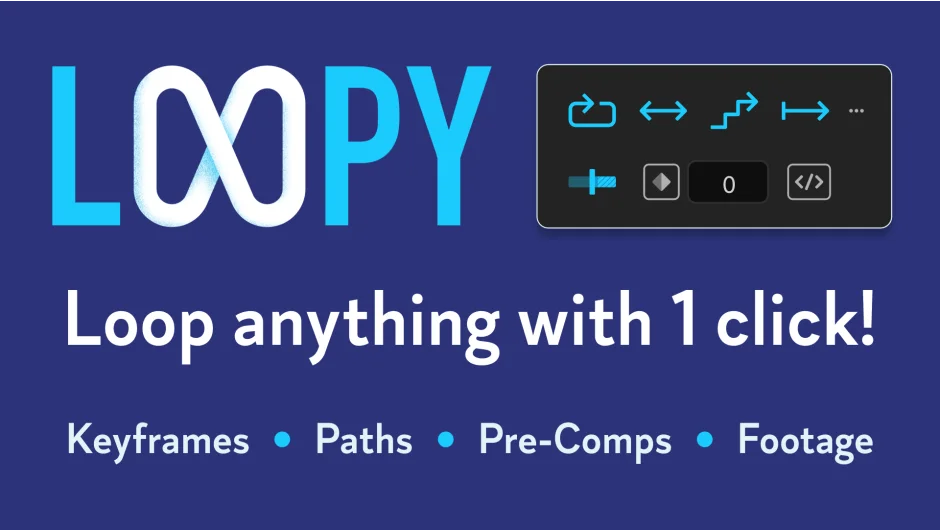
What It Does
Loopy applies loop expressions to After Effects layers through a dedicated panel. Instead of manually writing loopIn() or loopOut() expressions, you click a button. It works on keyframed properties, pre-comps, and audio-visual footage. The plugin handles the expression syntax, so you focus on the animation.
For footage looping, Loopy skips the usual time remapping setup. Trim your layer to the desired duration, apply the loop, and the plugin writes the expression. No keyframe juggling required.
Key Features
Four loop modes. Cycle repeats the animation from start to finish. Ping Pong plays forward then backward. Offset shifts the timing. Continue extends the last value. Each mode works with a single click.
Direction control. Choose loopIn (before the first keyframe), loopOut (after the last keyframe), or both. Useful when you need the loop to start partway through a comp or extend beyond your keyframes.
Keyframe limiting. Toggle this option to restrict the loop to specific keyframes rather than the entire property. Helpful for complex animations where you only want certain sections to repeat.
Batch processing. Select multiple layers or properties and apply loops to all of them at once. The plugin handles different property types in a single operation.
Time remap shortcut. Alt-click the Cycle Loop button to apply time remapping to trimmed layers without adding a loop expression. Added in version 1.1, this feature sets keyframes to match your layer’s trimmed duration.
KBar integration. Launch the panel or apply specific loop types from your custom toolbar. The download includes KBar icons and an importable setup file for KBar 3.
Who It’s For
Motion designers who animate repeating elements, cycles, or patterns. Editors working with looped footage or audio tracks. Anyone tired of typing loop expressions by hand or adjusting time remap keyframes for every trimmed clip.
Pricing
One-time purchase for $9.95.

