
What It Does
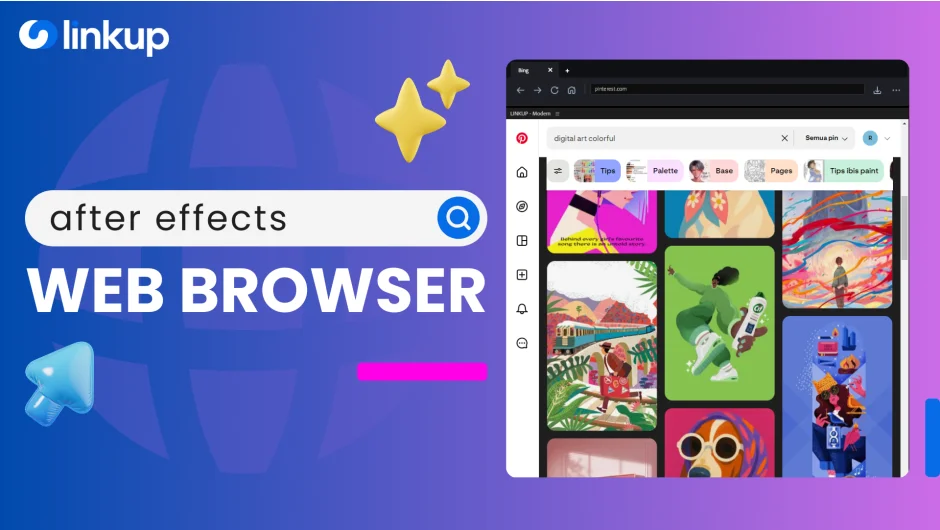
Linkup runs a full web browser inside After Effects, eliminating the need to switch between applications. Drag a layer to a web-based AI tool like Firefly or Midjourney, generate your asset, and the result auto-imports directly to your active timeline. No import dialogs, no friction.
Version 1.5 introduced a dual-engine architecture that lets you switch between browsing modes instantly. The Smart Download Manager intercepts files from websites and sends them straight to your project bin and timeline, sorted into folders by type (media, archives, documents).
Key Features
Dual-Engine System. Switch between Modern mode (for Google logins) and Legacy mode (for stability) without restarting After Effects. Each mode serves a different purpose: Modern handles complex authentication, Legacy handles most everyday browsing.
Smart Download Manager. Downloads from web sources auto-import to your timeline. Right-click any image, video, or audio file to save it directly to After Effects. Files organize themselves into folders based on type. A floating progress overlay shows download status without blocking your screen.
Download Mode and Direct Mode. Direct Mode gives you universal web access for reading, watching tutorials, and general browsing. Download Mode intercepts files and adds context menus for asset import. Some sites with heavy security may refuse to load in Download Mode, showing a blank screen, but you can toggle to Direct Mode for those cases.
Smart Tags. Tag bookmarks to automatically trigger specific engine modes. Click a tagged bookmark and Linkup switches to the right mode (Modern/Legacy, Iframe/Direct) without manual selection.
Community Hub. Share and discover bookmark collections from other users. Built-in forum for reporting bugs, discussing workflows, and voting on feature requests.
Who It’s For
Motion designers working with AI image generators will save time on the import loop. Editors who reference scripts or storyboards while working can keep them visible in a panel. Anyone following tutorials can watch and work simultaneously. The tool works best when your workflow involves frequent web lookups, asset downloads, or AI tool iteration.
Pricing
Linkup uses pay-what-you-want pricing. The listed price is $14.99 as an upgrade option for eligible users, or $29 for a new license. The developer operates on an honor system, allowing individuals (not teams or corporate accounts) to adjust the price in cart. Commercial users are encouraged to pay the suggested amount.
