
What It Does
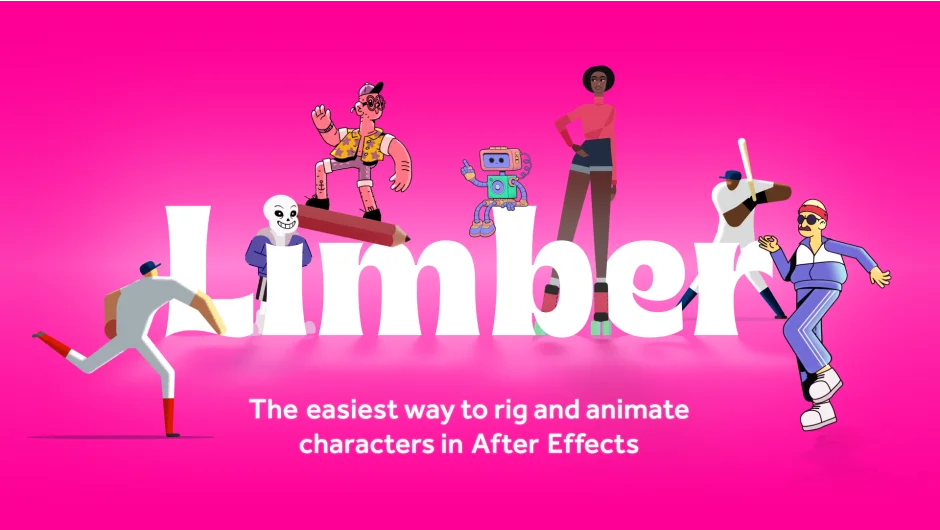
Limber turns character rigging in After Effects into a matter of drawing a path and clicking a button. It handles both vector and raster layers, puppet pins, and precomps, building working limbs with joints that rotate naturally. The tool was built by two character animators who spent years refining what works in production.
Key Features
IK, FK, and FreeK modes. Inverse kinematics for stretchy limbs and walk cycles with anti-pop smoothing. Forward kinematics for overlapping action and perfect arcs. FreeK mode solves front-facing walk cycles and dimensional moves that don’t work in standard IK or FK.
Auto-rigging. Draw a bendy path or select three circles and two art layers, click the button, and you have a rigged limb with rotating joints. Works with shape layers, .ai files, raster images, and puppet-pinned layers.
3-bone limbs. Version 2.1 added support for three-bone rigs, useful for animal legs, insect limbs, or fingers.
Limb Library v2. Over 100 preset rigs built into a web-based interface. Download them directly into your comp for fast setup.
Auto-flop and simple scaling. Automate limb direction changes without leaving IK mode. Scaling works as expected, with resolution control.
Who It’s For
Designed for motion designers doing character animation in After Effects. Useful whether you’re building a quick walk cycle or a full character rig for a client project. The learning curve is short, with YouTube tutorials covering the basics in under an hour.
Pricing
Limber uses a pay-what-you-want model. The standard suggested price is $65 for a perpetual license (one-time purchase, not a subscription). If you bought version 1 after May 1, 2024, upgrades cost $16. Earlier purchases upgrade for $49. A feature-limited 10-day trial is available.