
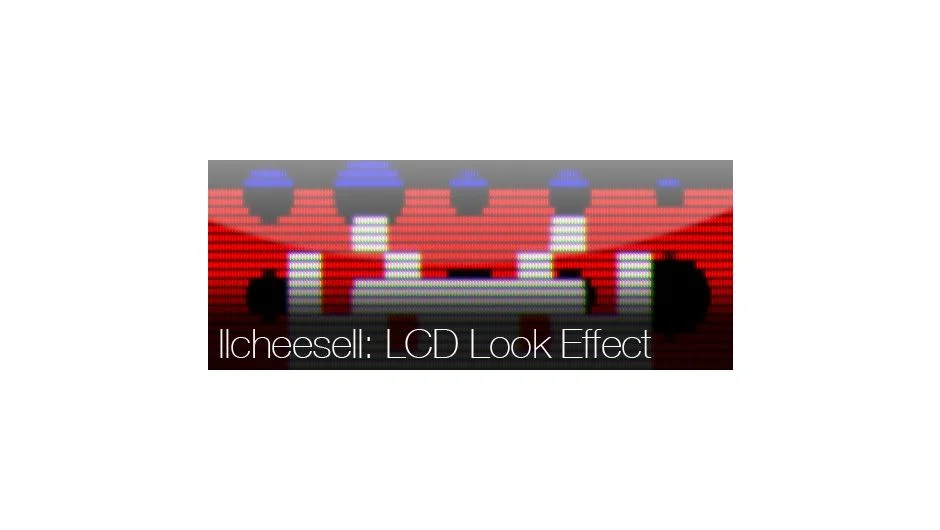
What It Does
LCDeffect applies LCD or CRT-style pixelation to layers in After Effects. Select a layer, run the script, and the effect generates automatically. You control the pixelation resolution and adjust each RGB channel independently to create screen-like visual distortion.
Key Features
Single-click application. Select a layer and run the script from File > Scripts > Run Script File. The effect applies immediately.
RGB channel controls. Adjust red, green, and blue channels separately to simulate color fringing and chromatic effects typical of old displays.
Resolution adjustment. Change the pixelation density with a slider to match different screen types or aesthetic preferences.
Who It’s For
Useful for retro-style motion graphics, glitch effects, or simulating old monitor displays. Works across After Effects CC, CS6, CS5.5, CS5, CS4, and CS3.
Pricing
Pay-what-you-want model with a suggested minimum of $9.99. Individual users choose their price; commercial users should pay the suggested amount for a valid license.