
What It Does
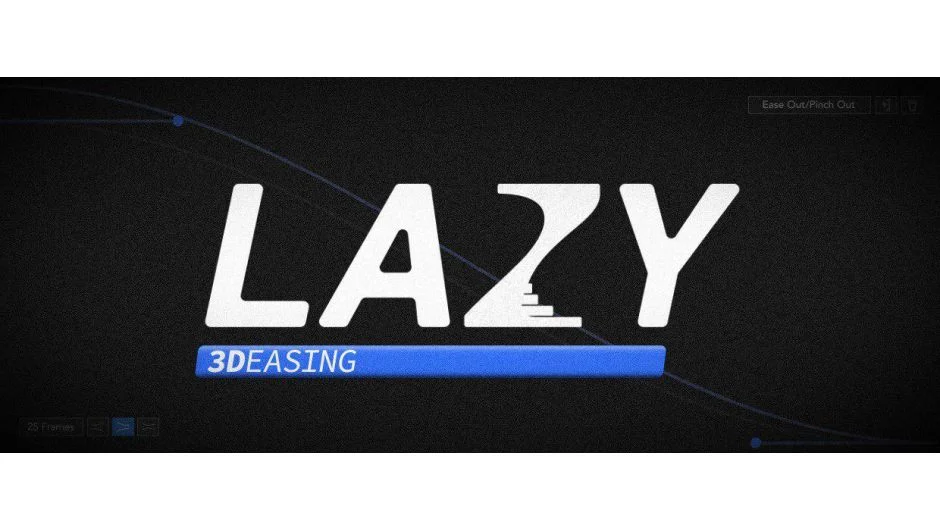
Lazy 2 distributes layers and keyframes across your After Effects timeline using adjustable bezier curves. Instead of manually offsetting timing or spacing elements evenly, you draw a curve and let the plugin handle the distribution. Version 2 adds keyframe pinching, letting you compress or expand timing relationships along that curve.
Key Features
Bezier curve distribution. Select multiple layers or keyframes, choose a curve shape, and Lazy spaces them according to that curve’s shape. Useful for text animation, staggered reveals, or timing a sequence of elements with natural acceleration.
Keyframe pinching. Three pinching methods let you compress keyframe timing in specific areas of the curve. This adds another layer of easing control beyond standard graph editor manipulation.
Preset library. Includes built-in curves for common easing patterns (ease in, ease out, S-curves). Save your own curves for reuse across projects.
Distribution options. Distribute starting at the playhead or at the first selected layer/keyframe. Toggle between these modes depending on whether you’re working with an existing sequence or building from scratch.
The interface is compact and responsive. Most operations happen with a single button press after selecting your layers or keyframes.
Who It’s For
Motion designers working with character rigs, kinetic typography, or any animation requiring timed offsets across multiple layers. If you frequently sequence text lines, animate falling objects, or build transitions with staggered timing, this tool removes the repetitive manual work of offsetting each element.
Pricing
Single purchase at $34.99. Upgrades from Lazy 1 are free if purchased after December 14, 2018, otherwise $17.50. Also available in the Take It Easy Bundle (25% savings, bundles multiple easing tools).

