
What It Does
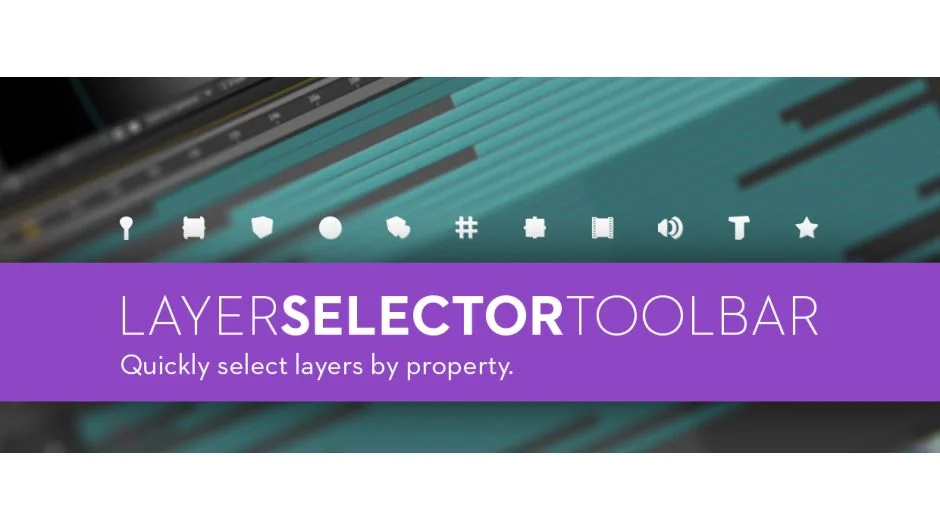
Layer Selector Toolbar adds a compact panel to After Effects for selecting layers based on their properties. Click a button to select all layers of a specific type (text, shapes, lights, cameras, etc.) without manually hunting through your comp or setting up color labels.
The tool uses modifier keys to refine selections. Shift-click selects the inverse (everything except that layer type). Ctrl/Cmd-click limits selection to layers active at the current time. Ctrl/Cmd+Shift-click combines both (select everything except that type among currently active layers).
Key Features
One-click selection by layer type. The toolbar shows buttons for text, shapes, solids, cameras, lights, and other common layer types. Click to select all matching layers in your active comp.
Modifier key shortcuts. Shift-click selects the opposite, useful for isolating everything except one layer type. Ctrl/Cmd-click narrows selection to layers active at the playhead. Ctrl/Cmd+Shift-click inverts that restricted selection.
Responsive layout. The panel automatically adjusts between vertical and horizontal layouts depending on available space. Works as both a dockable panel and floating window.
No tagging required. Unlike workflow scripts that rely on labels or naming conventions, Layer Selector Toolbar reads layer properties directly.
Who It’s For
Useful for editors working with complex comps containing dozens or hundreds of layers. Switching between nested precomps, adjusting all text layers, or isolating camera layers becomes faster when you can select by type instead of scrolling through the timeline.
Particularly helpful for template editing where layer types matter more than individual names.
Pricing
Layer Selector Toolbar uses pay-what-you-want pricing (listed price: $9.99). Compatible with After Effects CS4 and newer on both Windows and macOS.
