
Note: This product has been discontinued and is no longer available for purchase.
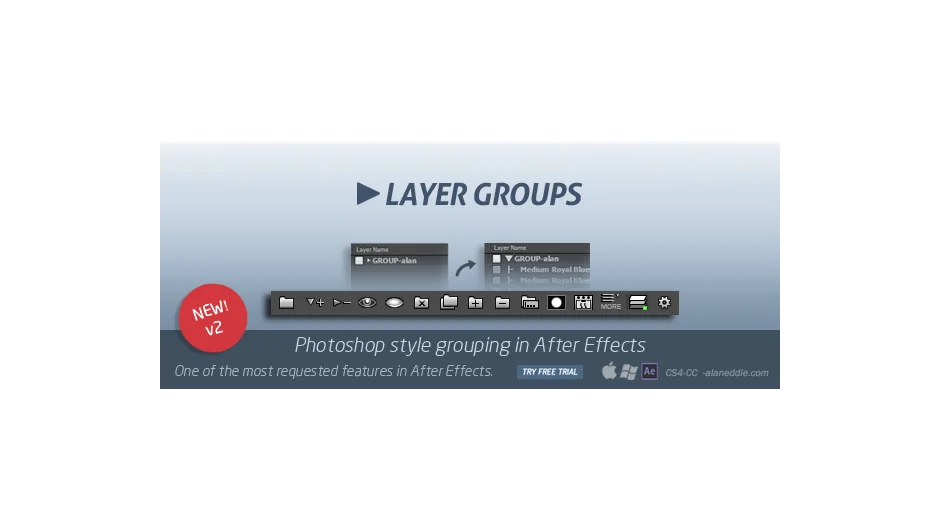
Layer Groups 2 brought Photoshop-style layer organization to After Effects, allowing you to create visual groups directly in the timeline that could be expanded, collapsed, and managed as units.
What It Does
The plugin let you select multiple layers and group them together with a parent layer, creating a hierarchical structure visible in the timeline. Groups could be expanded to show all child layers or collapsed to a single entry, keeping complex compositions organized.
Key Features
Expand and collapse groups in the timeline to show or hide child layers without affecting their functionality.
Hide and show entire groups while respecting individual layer visibility settings, so layers set to invisible stayed that way when you revealed the group.
Add or subtract layers from existing groups. Hold Shift when adding to automatically parent new layers to the group.
Group Mattes let you apply track mattes to entire groups. Shift+click for inverted mattes, luminance options, or matte removal.
Isolate function helped you focus by hiding everything except selected groups or layers matching a specific label color. Useful when working on one section of a crowded comp.
Duplicate entire groups with all internal parenting and stacking order preserved, saving manual reconstruction.
Delete groups with or without their contents. Remove the organizational layer but keep the child layers, or delete everything at once.
Bake and unbake converted groups into precomps or reversed the process, with expression preservation where possible.
Auto-stacking kept groups properly ordered when you enabled it, preventing layers from drifting out of sequence.
Trim, rename, and tag groups from the More menu. You could trim a group’s duration to match its child layers, rename it, or tag children with the group name for organizational purposes.
Who It’s For
This was most useful for motion designers working with compositions containing dozens of layers, often from Illustrator or Photoshop imports. Organizing by scene section, animation type, or visual element made complex projects more manageable. Character animators working with rigged characters also benefited from grouping body parts or control layers.
Pricing
Layer Groups 2 sold for $24 (regular price $30). Users who purchased version 1 after August 31, 2013 received free upgrades; earlier purchasers paid $9.99 for the upgrade. The plugin is no longer available.