
What It Does
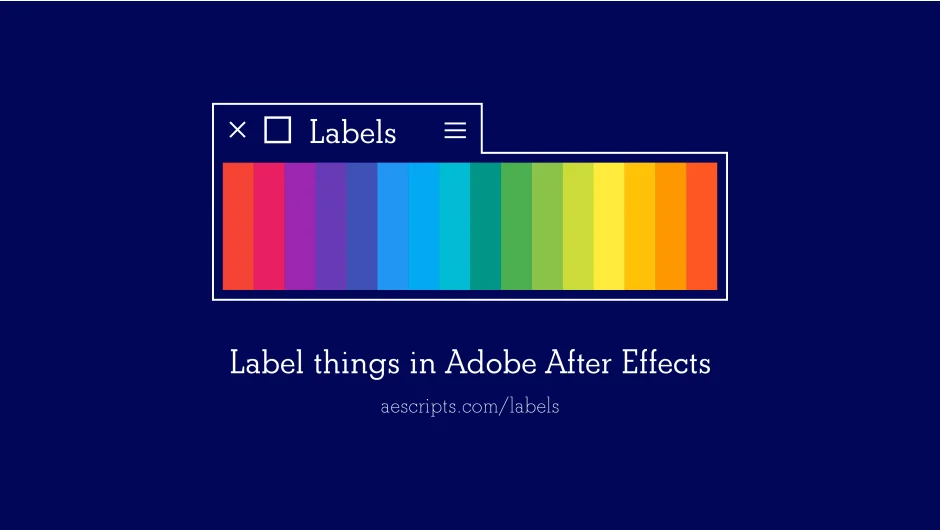
Labels gives you control over After Effects label colors beyond the built-in palette. Instead of manually assigning labels one at a time, you can set colors in batches, select all items with a specific label, filter by used or unused colors, and switch between custom color themes without restarting After Effects.
It works across three areas: keyframes (After Effects v22.6+), layers, and project panel items. If you select a layer and apply a label, you can apply the same label to its source footage simultaneously. The filtering options let you see only the labels currently in use within a composition, reducing visual clutter when working on complex projects.
Key Features
Label assignment and selection. Select keyframes, layers, or project items, then click a color to apply it. Hold modifier keys to select all items with that label, add to an existing selection, or deselect items with a specific label. This replaces the need to manually filter layers by color.
Custom themes. Labels supports custom color palettes and shareable themes. You can load pre-made themes like Material Design or Pico-8, or create your own. Themes can be swapped instantly, something After Effects doesn’t allow without a restart.
Script launcher integration. Assign custom scripts to label swatches. Click a swatch to execute a script on all items with that label. Included snippets handle tasks like parenting layers to a null, creating shape or solid layers matching the label color, grouping layers, or toggling shy/solo states.
Used/unused color filtering. Hide labels that aren’t currently applied in the active composition, making it easier to focus on the colors you’re actually using.
Keyframe support. On After Effects v22.6 and later, you can label individual keyframes. Use CMD (Mac) or CTRL (Windows) to target keyframes instead of layers.
Who It’s For
Useful for editors and animators who rely on label organization in complex timelines. If you work in teams with shared color conventions or need to batch-select elements by category, the theme sharing and selection features save time over the native workflow.
The script launcher is helpful for technical users who want to automate repetitive tasks based on label colors. The included snippets cover common actions, and you can write your own scripts using the Labels API.
Pricing
Labels uses a pay-what-you-want model with a suggested price of $18. Individual users can pay any amount, though the developer recommends the suggested price for commercial use. Businesses, teams, and corporate users must pay the suggested price for a valid license.
Owners of Labels 3 can upgrade to Labels 4 for $5 by logging into their original purchase account.
A trial version is available to test compatibility and features before purchasing.