
What It Does
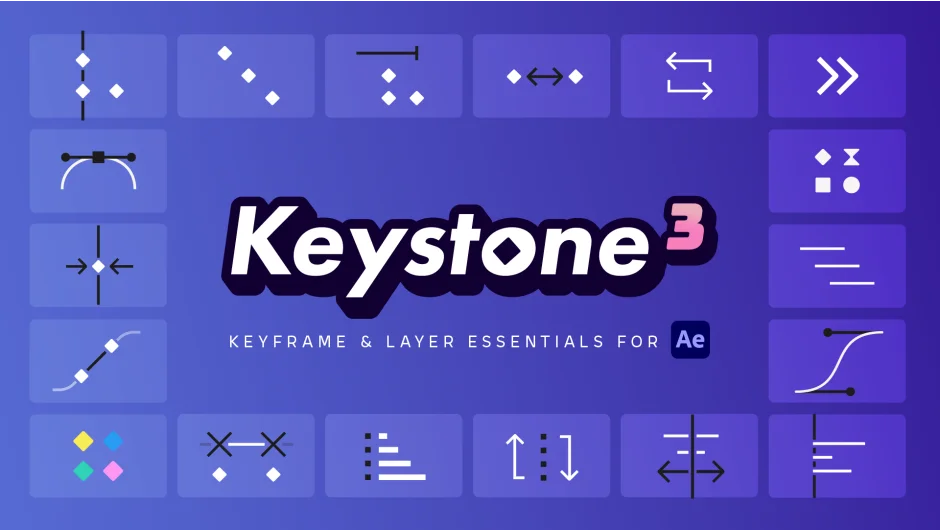
Keystone 3 handles the repetitive timeline tasks that eat up animation time. It aligns keyframes, staggers timing, sorts layers, adjusts values, and applies color labels, all while preserving your carefully crafted easing curves. For motion designers working with dozens of keyframes across multiple layers, it turns minutes of manual adjustments into single clicks.
Key Features
Keyframe Values. Add, multiply, or round keyframe values across all selected keyframes. The tool preserves your easing when adjusting values, unlike After Effects’ native controls which flatten motion curves.
Stagger with bezier control. The stagger function now uses bezier controllers to create non-linear timing offsets. Three calculation methods (standard, reverse, and random) plus a cumulative mode give you precise control over how animations cascade. Hold ALT while clicking to activate cumulative mode.
Layer Order. Sort layers by various criteria to keep your timeline organized as projects grow complex.
Easing preservation. Keystone recalculates motion curves when moving keyframes, maintaining your easing. This is the only tool that does this correctly, After Effects itself breaks easing when you shift keyframes in time.
Constant Speed. Automatically align velocity handles to create constant-speed motion. Once set, these alignments persist when using other Keystone functions.
Link/Unlink controls. Connect or disconnect keyframes and layers in ways After Effects doesn’t allow natively. Useful for complex timing relationships.
Three modes per function. Most tools offer Layer mode (affects keyframes within each layer), Property mode (affects keyframes across properties), and Global mode (treats all selections as one group). Switch between them with shared hotkeys.
Section shortcuts. Click section headers to show or hide tool groups. CTRL/CMD + click collapses all sections at once, keeping your workspace focused.
Who It’s For
Motion designers working on character animation, kinetic typography, or any project with heavy keyframe manipulation. If you regularly stagger animations, align timing across layers, or organize complex timelines, the time savings add up fast. One user reported it became “perma-docked” in their workspace.
Pricing
Keystone 3 costs $59 as a one-time purchase. Upgrade pricing is available for previous owners: $29.50 from Keystone 2, $49.50 from Keystone 1 (upgrade prices decrease after August 1st, 2025). A trial version is available to test before buying.