
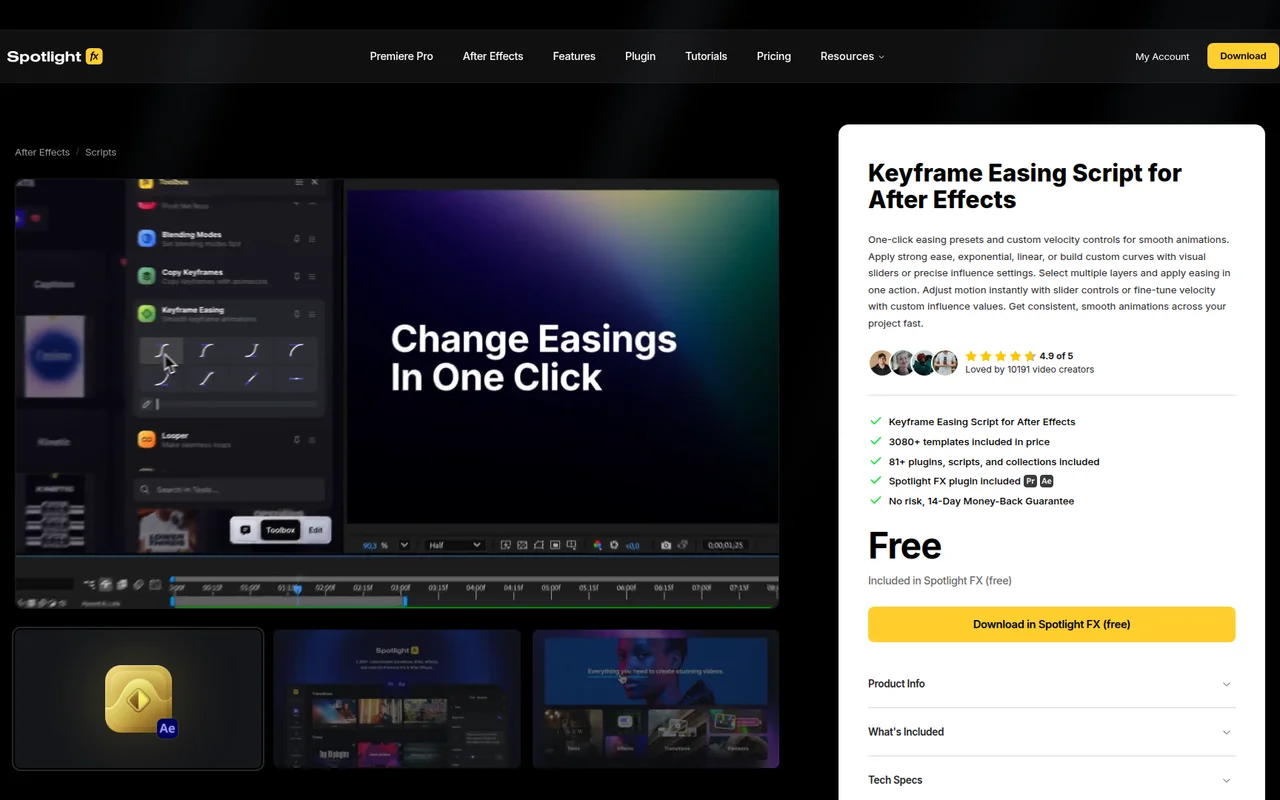
What It Does
Keyframe Easing replaces the manual work of adjusting velocity curves on individual keyframes. Select multiple keyframes across different layers and apply easing in a single action. The script includes preset curves like strong ease, exponential, and linear, plus tools for building custom easing curves with visual sliders or precise influence values.
Key Features
Preset easing curves. Choose from strong ease, exponential, linear, and other common motion profiles. Apply them to selected keyframes without opening the graph editor.
Custom velocity controls. Build your own easing curves using visual sliders for quick adjustments or numerical influence settings when you need exact values. The script updates motion in real time as you adjust parameters.
Batch application. Select keyframes across multiple layers and apply the same easing to all of them at once. Useful for maintaining consistent timing across complex animations.
Who It’s For
Motion designers who animate multiple elements with similar timing will save the most time. If you find yourself repeatedly opening the graph editor to apply the same easing curve to different layers, this script removes that repetition. Also useful for anyone learning animation timing, since the presets serve as starting points for common motion types.
Pricing
Keyframe Easing is part of Spotlight FX’s library, available as pay-what-you-want with no required minimum. The free version includes this script plus 36+ templates and 12+ other plugins and scripts. Paid subscribers ($177.48/year or lifetime purchase) get access to the full library of 3,000+ templates and 81+ tools. All plans include a 14-day trial period.


