
What It Does
KeyFast is a workflow script that automates repetitive keyframe tasks in After Effects. It handles common animation operations (trim paths, slides, rotations, fades) with a single click, applies easing by default, and works across multiple layers at once. The goal is to remove manual graph editor work from routine motion graphics tasks.
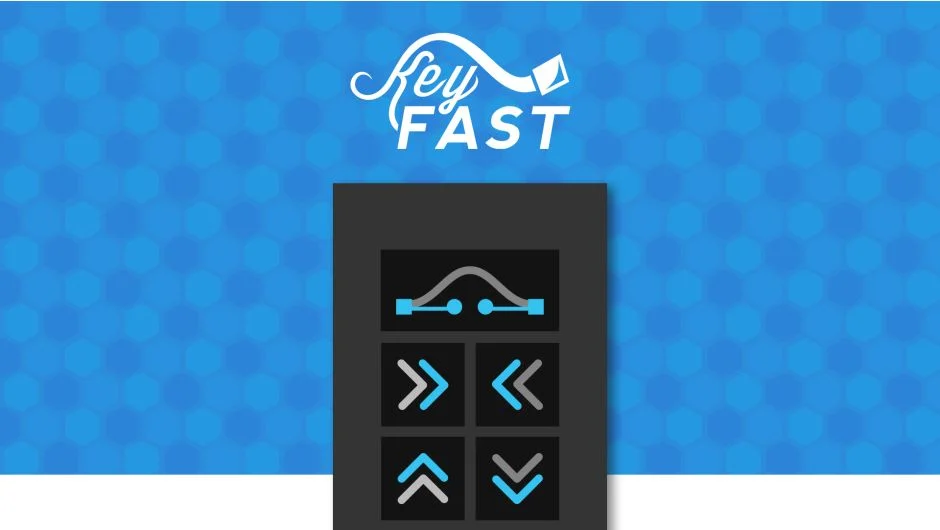
The script lives in a panel with hover tooltips that explain each button. You can adjust easing curves, stagger amounts, and overshoot values through quick popup menus without leaving the interface.
Key Features
One-click animations. Apply trim paths, slide layers in any direction, rotate left or right, or fade in/out with automatic easing already applied. No need to touch the graph editor for basic moves.
Staggering tools. Offset layers or keyframes up and down the timeline in seconds. Useful for text reveals, shape layers, or any sequence that needs timed delays.
Keyframe alignment. Select keyframes across multiple layers and snap them to the playhead position. Saves time when syncing animation across different elements.
Overshoot controls. Add spring-style overshoot to rotation, position, or scale animations with adjustable bounce intensity.
Batch operations. Copy and paste keyframes, apply easing, or center anchor points across multiple selected layers at once. Works on entire scenes without manual iteration.
Customizable settings. Adjust default easing values, slide distances, and overshoot amounts through popup panels. Settings persist across sessions.
Hotkey support. Command and Shift modifiers provide alternative behaviors for most buttons, giving you more control without cluttering the interface.
Adjustable layout. Switch between horizontal, vertical, or compact panel layouts depending on your workspace setup.
Who It’s For
KeyFast is built for motion designers and animators who work on explainer videos, title sequences, or any project with repetitive keyframe tasks. If you spend time manually easing layers, staggering text elements, or copying keyframes between similar comps, this script cuts that work down to single clicks.
It’s particularly useful for tight deadlines where production speed matters. The automated easing and batch controls let you animate entire scenes without touching the graph editor, freeing you to focus on timing and creative decisions instead of mechanical execution.
Pricing
KeyFast uses a pay-what-you-want model. Individual users can name their own price (suggested price $34.99), while businesses and teams must pay the suggested price for a valid license.
A full-featured free trial is available for one week with no subscription or payment required. You can test it on a real project before deciding whether to purchase.
