
What It Does
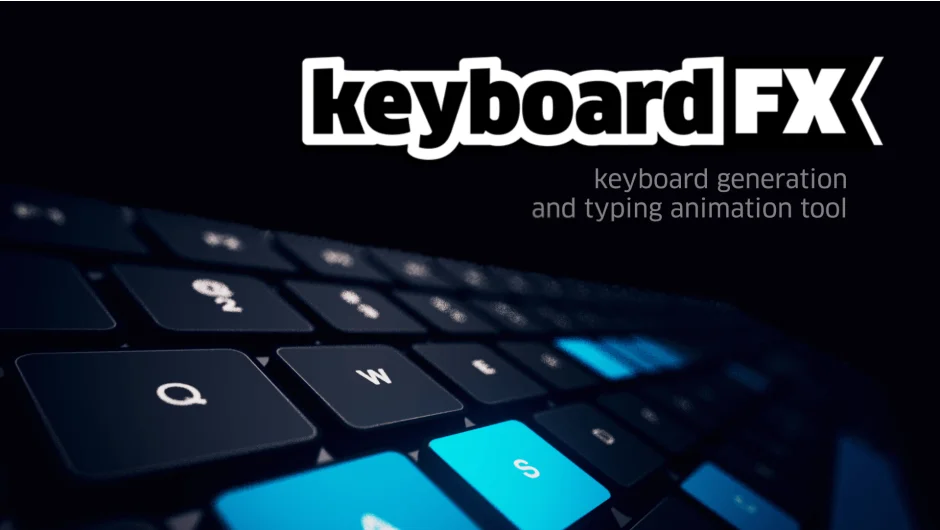
keyboardFX generates production-ready animated keyboards as editable shape layers. Type your text, and the plugin creates a keyboard that lights up keys in sync with your typing sequence. Works for desktop keyboards (Qwerty, Azerty, Dvorak), mobile/tablet layouts, and even Commodore 64 boards. Built for HUD designers, FUI artists, and anyone creating tech interfaces or animated dashboards.
Key Features
Desktop and mobile layouts. Choose between PC, Mac, mobile/tablet, or Commodore 64 keyboards. Switch between Qwerty, Azerty, and Dvorak layouts for standard keyboards.
Custom typing animations. Input your text and the plugin generates synchronized keystroke animations. Type normally, and special codes let you trigger function keys, arrow keys, modifiers, and navigation keys (e.g. {{PAGE DOWN}}, {{CTRL}}). A virtual keyboard panel helps you insert these codes without memorizing syntax.
Intelligent case detection. For mobile keyboards, the plugin automatically inserts {{SHIFT}} codes when your text switches between upper and lowercase, updating the keyboard layout to match.
Marker-based timing. Toggle between automatic timing or use layer markers to control exactly when each keystroke animates. Each character gets its own marker for precise timing adjustments.
Key combination support. The {{HOLD}} code lights up multiple keys simultaneously, useful for shortcuts like Ctrl+Alt+Del or for highlighting entire sections of the keyboard.
Built-in animation presets. Includes lighting animation presets for key presses. Adjust typing speed (defaults to ~8 characters per second) and glow decay rate through effect controls.
Clean output. Everything exports as shape layers with customizable colors, fonts (uses your active Character Panel font), spacing, and layout. You can edit any element after generation.
Who It’s For
Designers building sci-fi interfaces, tech dashboards, product demos, or explainer videos. If you need a keyboard that types on screen without manually keyframing every letter, this handles it. Also useful for gaming UI, cybersecurity presentations, or any project where a typing sequence adds technical realism.
Pricing
$29.99 for a single user license. No subscription. Also available in the RealFX Bundle Kit ($142.46, normally $189.94) alongside circuitFX, easyRulers 2, LoadUP!, mazeFX, and quadrateFX. A trial version is available for testing before purchase.