
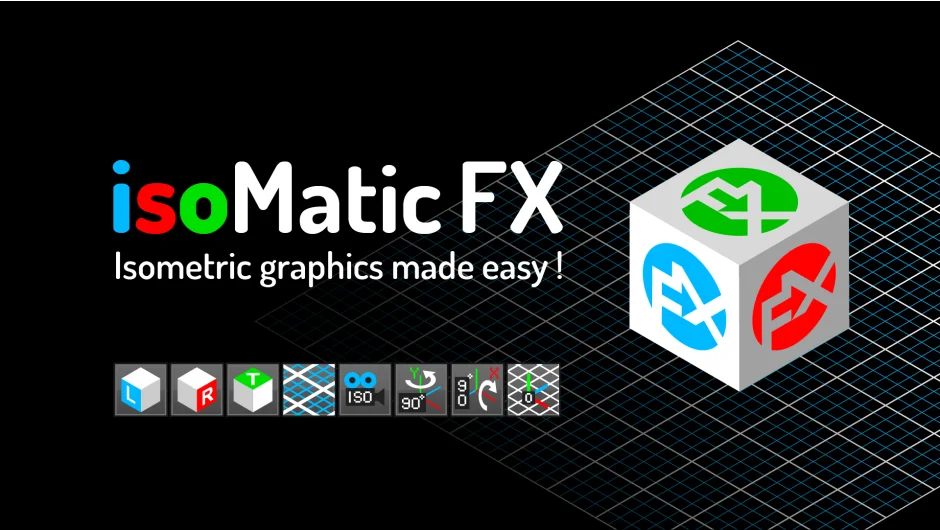
What It Does
Isomatic FX generates isometric projections and grids for both 2D and 3D workflows in After Effects. It offers two modes: a 2D mode that fakes isometric perspective on flat layers, and a 3D mode that creates a true isometric camera setup. The plugin applies transforms and expressions that constrain layer movement along isometric axes, making it easier to build and animate isometric scenes without leaving After Effects.
Key Features
Dual mode system. Toggle between 2D faked isometry (for solids, precomps, footage, text, and shapes) and 3D isometry (for 3D layers with a custom camera). Each mode has its own set of tools.
Isometric axis constraints. When you apply 2D isometry to a layer, the plugin adds three sliders (X Movement, Y Movement, Z Movement) that constrain position animation along isometric axes. This keeps movement visually consistent with the isometric grid, even when animating in 2D space.
Isometric camera. The 3D mode creates a camera that mimics an orthographic isometric view (no vanishing point). The camera automatically adjusts Element 3D camera clipping planes if you’ve already set up an Element scene in the comp.
3D rotation tools. Buttons for rotating 3D layers in 90-degree increments around X, Y, or Z axes. Useful for aligning objects to isometric faces.
Grid generation. Creates customizable 2D or 3D grid layers as visual guides. You can adjust color, thickness, size, and subdivisions.
Who It’s For
Motion designers working on flat design animations, explainer videos, or tech product demos where isometric perspective is required. The 2D tools are helpful if you’re animating prerendered isometric illustrations from Illustrator. The 3D mode is useful if you’re building isometric scenes from scratch with shape layers or Element 3D models.
Pricing
Pay-what-you-want pricing model. The developer suggests a price, but you can choose your own amount. Treat it as a freemium tool where you decide the value.