
What It Does
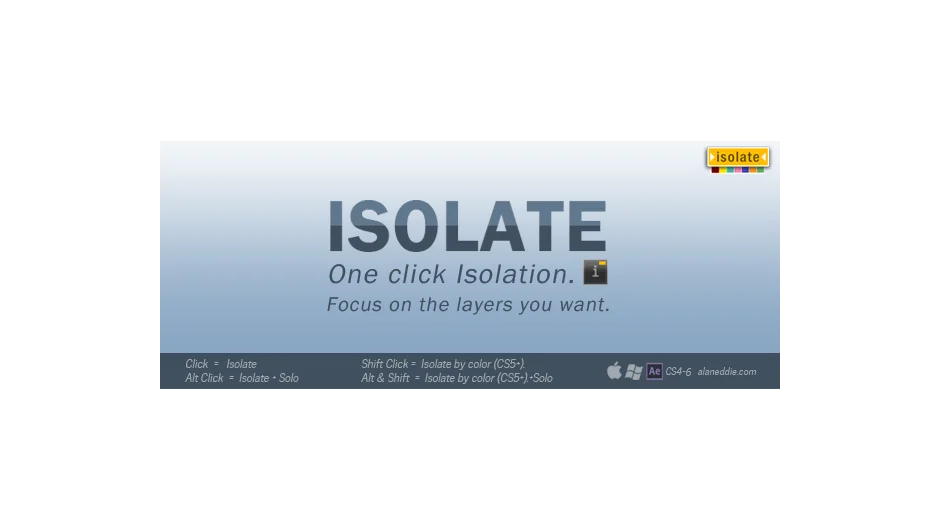
Isolate hides layers you’re not working on so you can focus on what matters in complex compositions. Select the layers you want visible, then click the script. Everything else disappears from view. Click again to restore the full layer stack. Three visual indicators appear in the composition window to confirm which isolation mode is active.
Note: This product was discontinued in 2013 and is no longer available for purchase.
Key Features
Basic isolation. Click the script to hide all non-selected layers. Your chosen layers remain visible in the composition while everything else gets out of the way.
Solo mode. Alt-click to isolate layers and hide them in the timeline panel. This goes a step further than basic isolation by cleaning up your timeline view too.
Color-based isolation. Shift-click to isolate all layers sharing the same label color as your selection. Alt+Shift-click adds solo behavior. Useful when you’ve color-coded related elements like all text layers or all adjustment layers.
Visual feedback. Three composition indicators show whether you’re in standard isolate mode, solo mode, or color-based mode. No guessing about what state your comp is in.
The script preserves layer comments and selection state when you toggle isolation on and off. Comes in two versions: standalone UI and UI-less for use with ft-Toolbar.
Who It’s For
Motion designers working in dense compositions who need quick layer visibility control without manually toggling eyeballs or creating work areas. If you frequently work on specific layer groups within larger projects, this automates that focus mode.
Pricing
When available, Isolate was sold as a one-time purchase for $29 (often discounted to $23.20). The product is no longer sold or supported as of 2013.