
What It Does
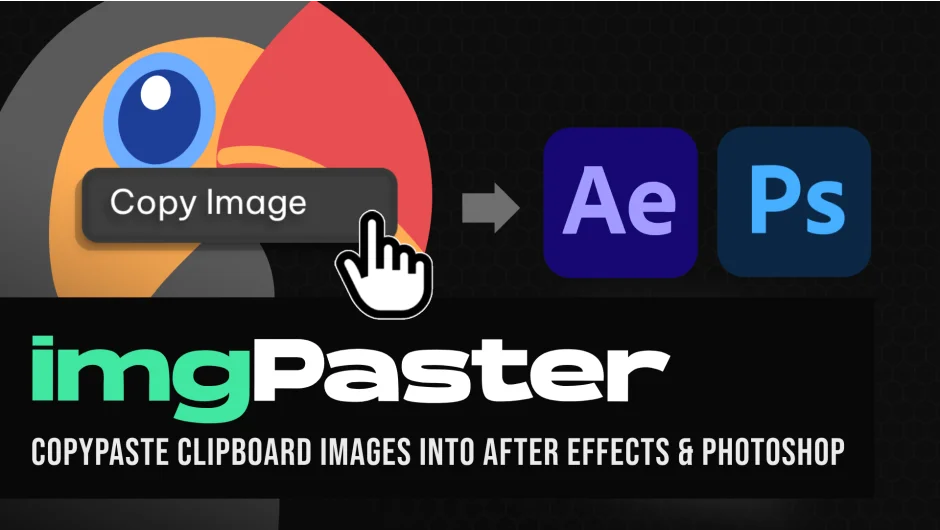
imgPaster lets you paste images from your clipboard directly into After Effects and Photoshop. Instead of saving an image to your desktop, importing it into your project, and dragging it to the timeline, you copy the image and press Ctrl+V (⌘+V on Mac) in the extension panel. The image imports automatically and appears on your timeline.
In Photoshop, the tool enables clipboard pasting for transparent PNGs, which isn’t supported by default.
Key Features
Format support. The tool handles PNG with transparency, PNG, JPG, WEBP, JFIF, BASE64, AVIF, and GIF (first frame only). It doesn’t support animated GIFs, SVG, EPS, TIFF, PDF, BMP, or RAW files.
Custom save locations. Choose where imported images are saved: Desktop, Documents folder, the same location as your open project file, or a custom path you specify.
Keyboard shortcut. Assign a keyboard shortcut in After Effects under Edit > Keyboard Shortcuts to open the extension panel faster.
Who It’s For
Anyone who frequently grabs reference images, design elements, or textures from the web while working in After Effects. Particularly useful for motion designers assembling mood boards or dropping in client-supplied assets from Slack, email, or browser screenshots.
Pricing
The plugin uses a pay-what-you-want model. Individual users can pay any amount, though $29.99 is the suggested price. Businesses and teams must pay the full suggested price to receive a valid license. There’s no free trial or subscription, just a one-time purchase.
Technical Notes
Requires After Effects CC 2018 or later. You’ll need to enable “Allow Scripts to Write Files and Access Network” in Edit > Preferences > Scripting and Expressions. On Apple Silicon Macs, Photoshop must run under Rosetta Mode.
Installation uses the aescripts + aeplugins manager or the zxp installer.