
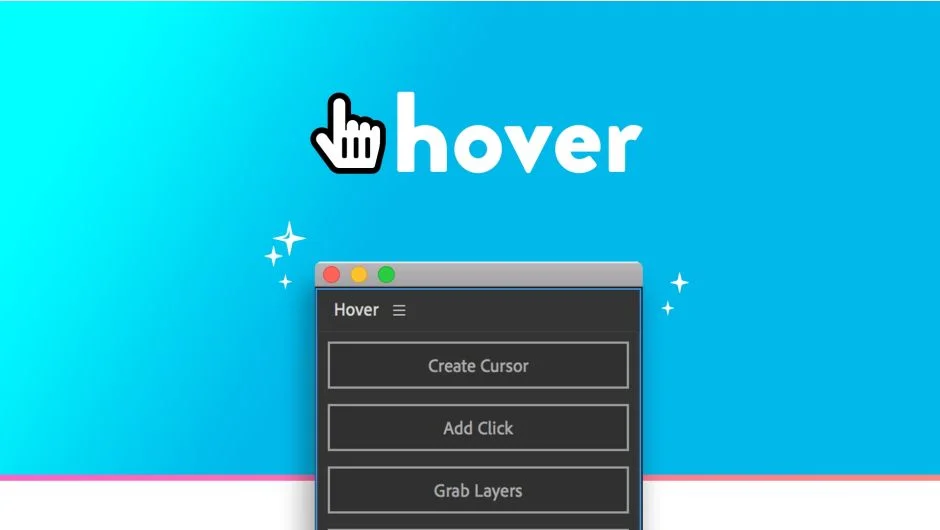
What It Does
Hover automates cursor behavior in UI and FUI animations. The cursor automatically changes to a pointer hand when it moves over buttons, buttons visually react to cursor proximity, and click animations appear without keyframing. Useful for app demos, software tutorials, or interface mockups where you need realistic cursor interaction.
Key Features
Auto-hover states. The cursor switches to a pointer hand when positioned over any button. Buttons update their brightness or color while the cursor hovers, with adjustable intensity. No keyframes required for either behavior.
Click animations. Add a click animation by pressing a single button, then retime the entire click sequence by dragging one layer. Client wants the click two seconds later? Drag the layer. Done.
Grab and release. Switch the cursor to a grabbing hand icon for drag operations. Click the grab button to pick up an element, click again to release it. The cursor updates automatically.
Customizable cursor. Change the cursor icon by updating the included precomp. If you need a different hand style or brand-specific pointer, swap out the artwork.
Who It’s For
Motion designers creating UI walkthroughs, software explainer videos, or futuristic interface animations. Particularly helpful when you’re iterating on timing, since revisions don’t require re-keyframing every hover state.
Pricing
Hover uses a pay-what-you-want model. You set the price when purchasing (minimum not specified on the product page). This is listed under freemium since you control what you pay.

