
What It Does
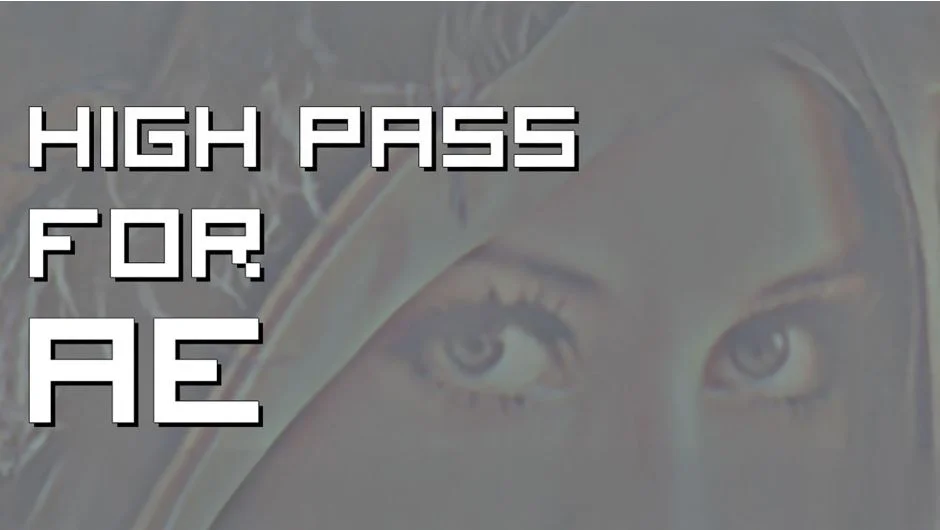
High Pass for AE ports the familiar High Pass filter from Photoshop into After Effects. It isolates edge detail by filtering out low-frequency information, creating that characteristic gray overlay with edge definition preserved. The plugin runs on the GPU for responsive performance, even with HD and higher-resolution footage.
Key Features
GPU acceleration. The filter processes entirely on your graphics card, keeping playback smooth when stacked with other effects. Version 1.3 added native M1 support for Apple silicon Macs.
Standard high pass workflow. Apply the effect, adjust the radius to control how much detail gets isolated, then blend using layer modes. Set to Overlay or Soft Light for sharpening. Use Linear Light for more aggressive edge enhancement. Switch to Difference or Exclusion when building displacement maps or texture tiles.
Skin retouching and detail control. Duplicate your footage layer, apply High Pass, invert the result, and dial down opacity to smooth skin while keeping overall structure. Adjust the radius to target fine texture versus broader tonal variations.
Mask and selection prep. High Pass edges make clean alpha channels when you need to isolate details from flat backgrounds. Useful for rotoscoping hair, creating displacement inputs, or generating luma mattes from texture plates.
Who It’s For
Compositors working with scanned film elements or digital captures that need selective sharpening without halos. Motion designers building texture loops or displacement setups. Anyone moving between Photoshop and After Effects who wants consistent filtering options.
Pricing
Pay-what-you-want with a suggested minimum of $9.99. Individual users set their own price. Businesses and teams pay the suggested amount for a valid license.