
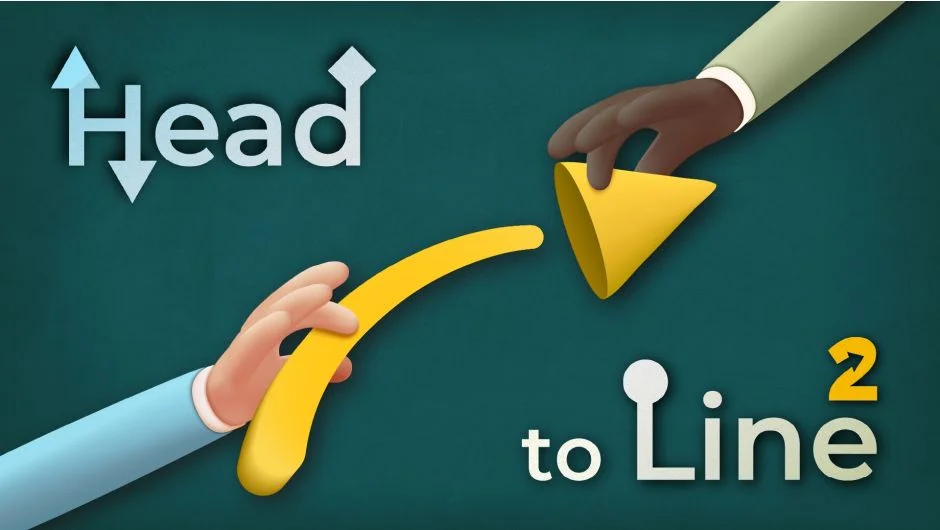
What It Does
Head to Line 2 attaches animated arrowheads to any line or shape path in After Effects. Select a line layer, pick your settings, and click once to generate a fully animated arrow with trimmed path animation and a positioned arrowhead. It handles the expressions and keyframes so you don’t have to build the rig manually.
It works with standard shape paths, and you can also convert rectangle or ellipse paths to bezier paths to use them as arrow paths.
Key Features
One-click arrowhead animation. Selects the line, applies trim path keyframes, and positions the arrowhead at the tip automatically.
Customizable arrowhead styles. Built-in options include Triangle, Circle, and Rectangle. You can also supply your own custom layer as an arrowhead by naming it starting with “head” before running the script.
Size, angle, and roundness controls. Sliders in the panel let you adjust and animate arrowhead proportions after the fact, without rebuilding anything.
Double-sided arrows. A single checkbox creates arrows with heads at both ends, useful for dimension callouts or bidirectional flow diagrams.
Flexible direction and duration. Reverse the animation direction or change the duration at any point without starting over.
One-click delete. The “del” button strips out all Head to Line expressions and layers cleanly.
Who It’s For
Motion designers working on infographics, explainer videos, map animations, or technical diagrams will get the most use out of this. Animated arrows appear constantly in these contexts, and building them from scratch each time is tedious. It’s also handy for annotating UI mockups or adding callout lines to product shots.
The custom arrowhead feature makes it flexible enough for branded work where a standard triangle doesn’t fit the visual style.
Pricing
Head to Line 2 is a one-time purchase, currently listed at $25.49 for a single user license. A free trial is available via aescripts.com. Upgrade pricing is available for owners of version 1.
