
What It Does
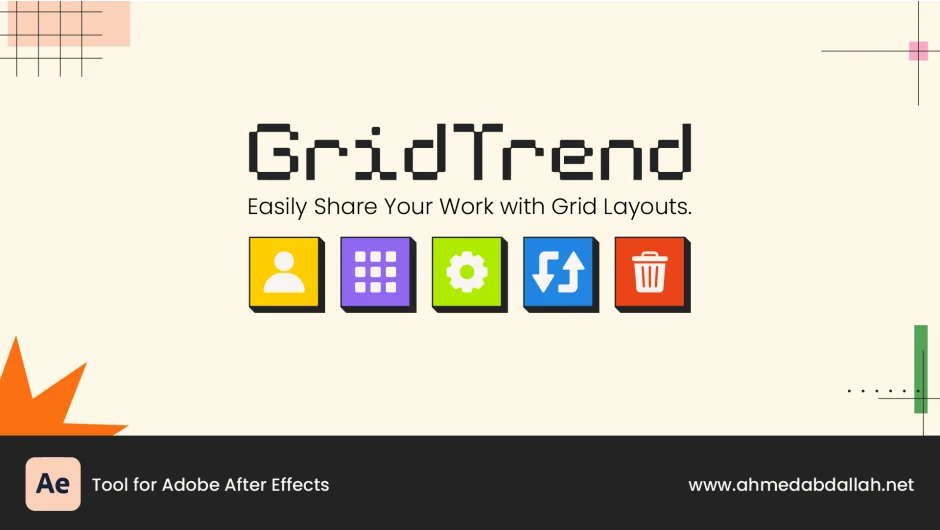
GridTrend automates the tedious process of arranging portfolio pieces into grid layouts for social media. Select your work from the project panel, click Grid, and the script generates a composition with everything positioned in rows and columns. The profile picture option centers your headshot automatically, which is useful when building Instagram or Behance showcase images.
Key Features
One-click grid generation. Define rows and columns in the settings window, select your footage or images, and the script builds the layout. It creates pre-comps for each cell and organizes them into folders.
Centered profile pictures. Set an odd number of rows and columns (like 3×3 or 5×5) to create a center cell. Click the Person button with your profile image selected, and it locks into the middle. The rest of your work fills the surrounding cells.
Swap button for rearranging. If the initial layout doesn’t look right, click Swap to randomize the placement of media without moving the profile picture. Faster than dragging layers manually.
Stroke customization. Add borders between cells with adjustable color and thickness. A Control Layer lets you tweak these values after the grid is built.
Empty grid templates. Generate a grid structure with blank pre-comps, then drop media in later. Useful for creating reusable templates.
Additional options include backgrounds, guides, masks, automatic folder organization, and color-coded labels for pre-comps. Settings can be saved for reuse across projects.
Who It’s For
Motion designers and video editors who share work on Instagram, Behance, or other platforms where grid layouts are common. If you regularly compile reels or project showcases, this saves time compared to manual layer arrangement.
Pricing
This is a pay-what-you-want plugin. While a suggested price of $48 is listed, you can name your own price. The trial version includes all features but is limited in scope.
