
What It Does
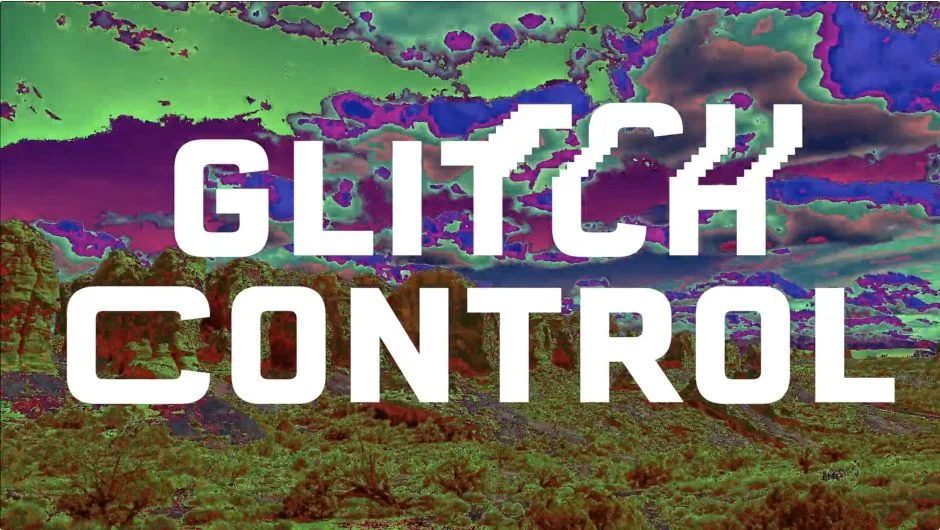
Glitch Control lets you create glitch art effects without manually combining multiple techniques or effects. Apply it to any footage and use its four independent modules to build the exact look you need. Works in both After Effects and Premiere Pro.
Key Features
RGB Controls. The classic RGB split effect. Separates color channels to create chromatic aberration and color displacement.
Displacement. Generates choppy, repetitive glitch patterns. Stack multiple instances for more extreme distortion.
Stretch. Spreads pixels horizontally across the frame. Use it for transitions between clips or blend it with other modules.
Color Cycle. Produces psychedelic color shifts from any source footage. Applies rapid hue rotations for abstract visual treatments.
The modular design means you only activate the effects you need, which reduces render times. Toggle modules on or off depending on the complexity of your glitch effect.
Who It’s For
Motion designers working on music videos, title sequences, or abstract visuals where digital distortion fits the aesthetic. Also useful for anyone needing quick glitch transitions without building them from scratch using displacement maps and channel operations.
Pricing
Glitch Control costs $39 for a single-user license. Trial version available on the aescripts product page.