
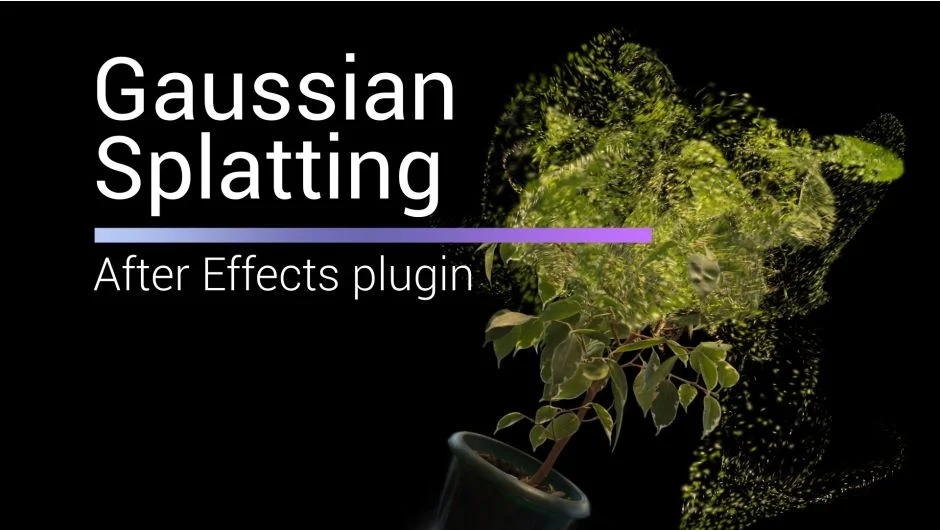
What It Does
Gaussian Splatting brings photorealistic 3D scene capture into After Effects. Import .ply files created with Luma AI, Polycam, Scaniverse, PostShot, or NerfStudio and render them in real-time using GPU acceleration. The plugin handles the full workflow: align models, crop unwanted areas, combine multiple scans, apply color grading, and export depth passes for compositing.
Key Features
Real-time GPU rendering. Handles large models and compressed .ply files without slowdown. Supports maximum Spherical Harmonics for quality.
Flexible cropping tools. Remove unwanted parts using Spherical, Box, or Y Plane shapes. Rotate crop boundaries to match your needs.
Multi-model scenes. Combine up to 10 .ply files in a single composition. Each model gets independent controls.
Color and reveal effects. Apply Ramp colorization using Spherical or Box maps. Animate Opacity Ramp for gradual reveals. Individual color grading per model.
Animation controls. Animate Splat Scale with Spherical or Box mapping. Distort models with Noise for glitch or dissolve effects. Animate displacement for dynamic transitions.
Depth pass rendering. Export Z-Depth for compositing 3D elements over your splatted scenes.
Import and export. Bring in .ply sequences for animation. Export modified scenes back to .ply format.
2D layer integration. As of version 1.6.9, render 2D After Effects layers within the Gaussian Splatting environment.
Who It’s For
Useful for VFX artists working with photogrammetry or AI-generated 3D captures. Motion designers building transitions or reveals around real-world scans. Anyone needing real-time preview of Gaussian Splatting files without leaving After Effects. Works with scans from phone apps (Luma, Polycam, Scaniverse), desktop tools (PostShot, NerfStudio), or LiDAR devices.
Pricing
$49 for a single-user license. Floating server and render-only licenses available. One-time purchase with no subscription. Trial version available for testing before purchase.