
What It Does
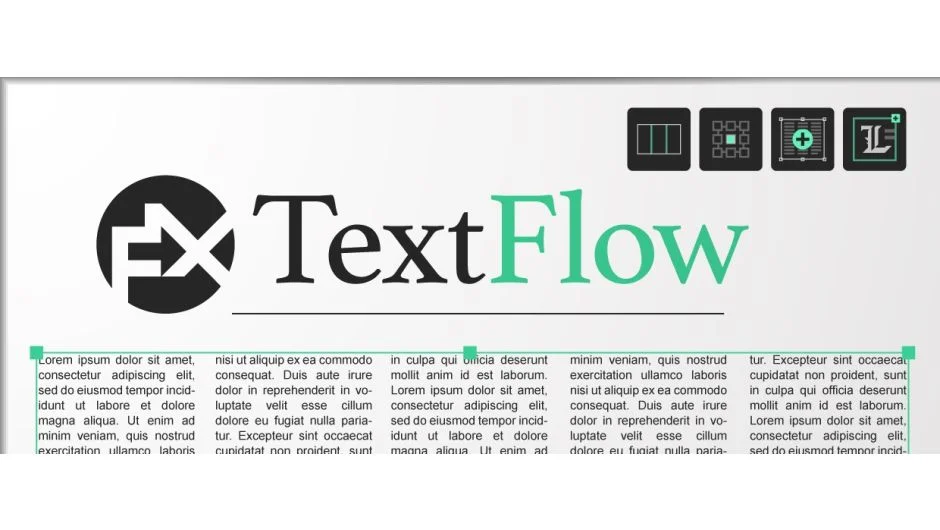
FX TextFlow brings multi-column text layout to After Effects, a feature that’s existed in InDesign for decades but never made it into motion graphics software. Flow text across 2, 3, 4, or 5 columns, fill those columns with placeholder content, and control anchor positioning without manual adjustments.
The plugin handles both bounded paragraph text boxes (where text flows across columns) and standard inline text layers. Every text layer it creates includes automated anchor point positioning, so your text stays aligned where you want it (top left, center, bottom right) even as content changes.
Key Features
Multi-column text layouts. Set the column count (1-5) before creating a text layer, and FX TextFlow generates a bounded text box that flows content across those columns. Adjust gutter width and maximum lines per column in the FX_textColumns effect after creation. Useful for newspaper layouts, editorial designs, or any composition where text needs to wrap across defined areas.
Automated anchor positioning. The FX_reposAnchorPoint effect drives each layer’s anchor point through nine alignment options (top left, middle center, bottom right, etc.). The anchor stays locked to your chosen position as text content changes. Includes a “Rect At Time” setting so the anchor calculates position after text animations finish, preventing jitter during text reveals.
Sample Text Generator. Fill text layers with procedural placeholder content. The generator duplicates a text sample (customizable, defaults to “Lorem Ipsum” for paragraphs or “The Quick Brown Fox” for single lines) and joins copies with chosen separators: spaces, returns, commas, bullets, dashes. Add instance numbers as prefixes or suffixes to generate menu items, chapter titles, or file names that increment automatically.
Quick text creation shortcuts. Four keyboard combinations create different text layer types:
- Click: empty bounded text box
- Click + Alt: empty inline text layer
- Click + Shift: bounded box filled with Lorem Ipsum (calculates word count based on composition size)
- Click + Alt + Shift: inline layer with “The Quick Brown Fox” sentence
All created layers include the anchor point effect and respond to the UI’s alignment dropdown.
Customizable settings. Change default bounded text color, adjust how text box size scales relative to composition dimensions (default 3/4 ratio), set preferred column count and anchor position. Customize the default Lorem Ipsum and Quick Brown Fox sample texts if you need different placeholder content.
Who It’s For
Motion designers working on editorial animations, title sequences with structured text layouts, or any project requiring precise multi-column text arrangement. The anchor point automation helps anyone building reusable templates or .mogrt files for Premiere Pro.
Pricing
FX TextFlow uses pay-what-you-want pricing. The suggested price is $29 for a single-user license, but you set the final amount. Floating server licenses available for studio environments.
Requirements: After Effects 2020 (17.0) or later. The plugin relies on Text.style expression features introduced in that version and requires the JavaScript expression engine (not Legacy ExtendScript).