
What It Does
FX StrokeSetter applies stroke properties to multiple Shape Layers simultaneously, avoiding the need to expand content groups for each layer. Select your layers, click a button, and the script modifies stroke caps, corners, alignment, taper, wave effects, or dashes across all of them. Works on strokes at the contents root or first-level groups.
Key Features
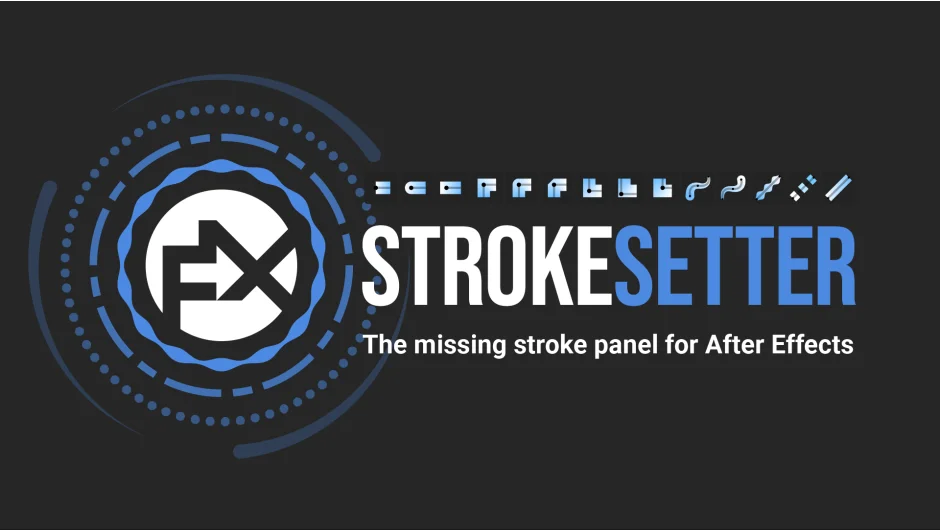
Stroke caps, corners, and alignment. The first nine buttons set cap types (Butt, Round, Projecting), corner/join types (Miter, Round, Bevel), and alignment (Center, Inside, Outside). Alignment options add a shape layer animator called FX StrokeOffset at the stroke’s hierarchy level.
Taper and Wave with optional controls. Buttons 10 and 11 set Taper Start or Taper End to 100%. Button 12 sets Wave Amount to 75%. Alt+click creates local expression controls on each layer, linking all taper or wave parameters (Start Length, End Length, Width, Ease, etc.) to sliders in the layer’s effects stack. Alt+Shift+click creates global controls, adding the same sliders to each layer but linking them to a master null object (FX_StrokeSetter CTRL) so you can drive all layers from one place. Useful for templates or maintaining consistency across a composition.
Dashes with modal input. Button 13 opens a modal window where you add up to three dash/gap pairs (Dash 1, Gap 1, Dash 2, Gap 2, etc.). Alt and Alt+Shift shortcuts work the same way, creating local or global controls for dash values and offset.
Width, color, opacity controls. Button 14 resets dashes, wave, and taper when clicked normally. Shift+click hard-resets by removing all expressions and effects (and the master null if present). Alt+click creates local controls for stroke width, color, and opacity, plus a checkbox for non-rescaling stroke width (keeps visual width constant when resizing the layer or parent). Alt+Shift+click creates global controls linked to the master null.
Batch selection shortcut. Shift+click button 15 selects all Shape Layers in the active composition, saving time when working with complex timelines.
Who It’s For
Motion designers working with vector artwork imported from Illustrator or created with After Effects’ shape tools. Anyone tired of expanding shape layer hierarchies to adjust stroke properties. Teams building templates for Essential Graphics will find the global controls feature especially useful.
Pricing
Pay what you want (suggested minimum $19). Individual users can choose their price; businesses and teams should pay the suggested amount for a valid license.

