
What It Does
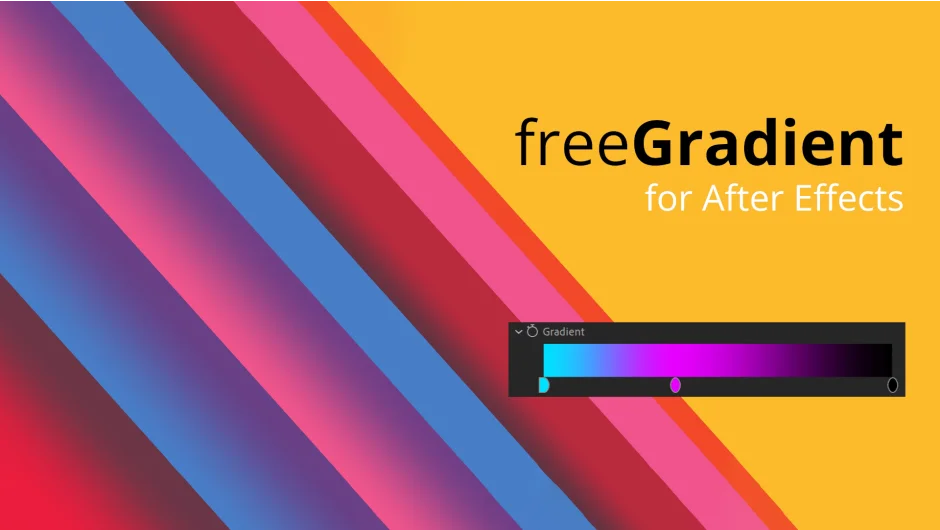
freeGradient generates customizable gradients directly in After Effects using expression-driven masks. It creates linear, radial, or angle gradients with offset and loop features for animation, blending with your original layer through opacity ramps.
Key Features
Color Ramp. Build gradients with unlimited color pins. Add as many colors as you need and position them anywhere along the ramp.
Offset and Loop. Animate gradients by offsetting the color ramp and enabling loop mode. Useful for flowing background animations or cycling color effects.
Parametric Controls. Define gradient coordinates two ways: place start and end points directly on the layer, or use parametric width and angle controls for precise positioning.
Three Gradient Types. Linear gradients run between two points. Radial gradients spread from a center point outward. Angle gradients rotate around a center. Version 1.1 added a reflection mode for mirror effects.
Opacity Ramp. Blend the gradient with your base layer using a separate opacity ramp. Control exactly how the gradient mixes with the original image.
The plugin applies gradients through masks that you can fine-tune manually after generation. All controls update in real time.
Who It’s For
Motion designers building title sequences or background animations. Anyone who needs more control than After Effects’ native gradient tools, especially for animating color transitions or creating looping gradient effects.
Pricing
freeGradient uses pay-what-you-want pricing. Individual users can pay any amount (suggested: $24.99). Businesses and teams must pay the full suggested price for a valid license. One payment covers perpetual use with one installation plus one archival copy. Compatible with After Effects 2026 back to CC 2017.
