
What It Does
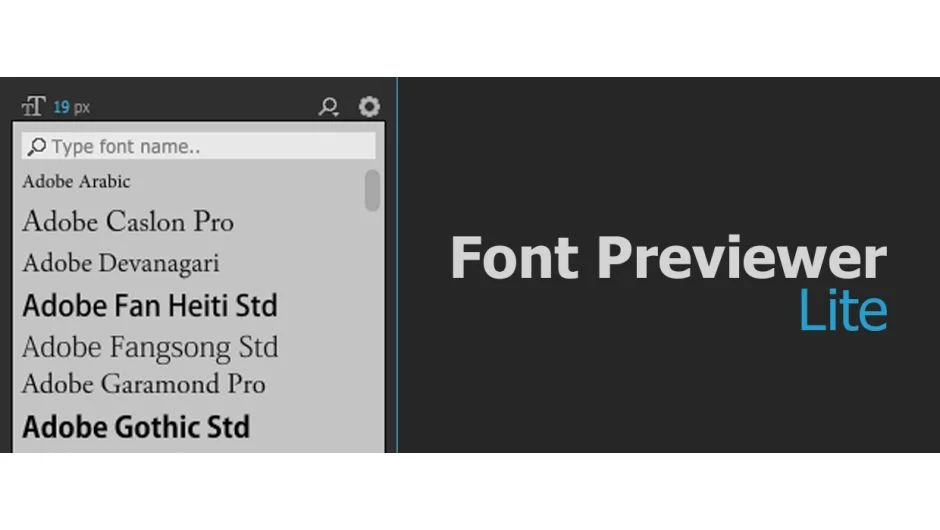
Font Previewer Lite brings font browsing directly into After Effects. Instead of cycling through fonts in the character panel, you get a visual preview window showing how each installed font looks before you apply it to your text layer.
It’s a simple workflow tool: select a text layer, browse fonts visually, click to apply. Useful when you’re comparing typefaces for title cards or kinetic typography work and want to see options at a glance rather than typing in font names.
Key Features
Font preview. Shows three sample text modes so you can see how each font renders with different character sets. Helps when choosing between similar typefaces.
Keyword search. Filter your installed fonts by typing part of the name. Faster than scrolling through hundreds of fonts, especially on systems with large font libraries.
Apply to selected layer. One-click application to whatever text layer you have active. No manual font selection in the character panel needed.
Three color themes. Switch between dark, default, and light interface modes to match your workspace preference or reduce eye strain.
Who It’s For
Motion designers working on projects with multiple typefaces. Title designers comparing font options quickly. Anyone tired of the standard After Effects font picker for text-heavy compositions.
Note: this is the lite version. The Pro version (Font Previewer) adds font management features and costs $34.99. For basic preview-and-apply needs, the lite version works fine.
Pricing
Pay-what-you-want pricing. You set the amount you want to contribute when downloading. Compatible with After Effects CS6 through 2025 on both Windows and macOS, including Apple Silicon support as of version 1.0.1.