
What It Does
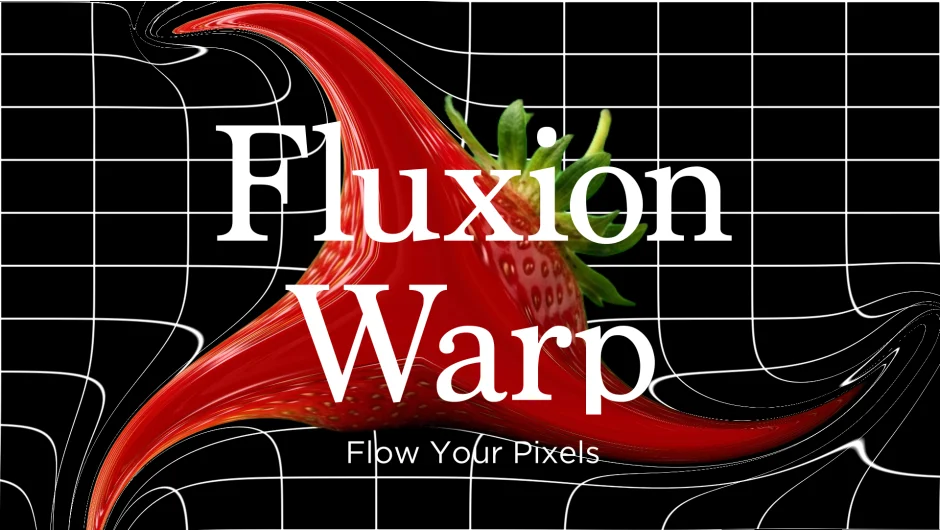
Fluxion Warp takes a mask drawn on an image layer and uses it to generate a vector field. Pixels are then advected along that field, meaning they flow in the direction the field points. The result is a warping effect that feels directional and organic, unlike standard displacement maps that push pixels uniformly based on a texture’s brightness.
This makes it useful for effects like liquid seeping along a path, heat distortion following a shape, or any situation where you want a warp that follows the contour of a mask rather than a pre-made texture.
Key Features
Vector field from mask. Draw any mask on a layer and Fluxion Warp generates the field automatically. You control the field’s width, strength, and falloff to determine how far the influence extends from the mask path.
Pixel advection. Pixels flow along the field rather than simply being displaced. You can reverse the flow direction and control how the field behaves at the mask endpoints.
Four edge handling modes. Choose how pixels behave when they reach the layer boundary, which matters a lot for seamless loops or full-frame warp effects.
Turbulence. Three turbulence types add noise on top of the base warp. You can adjust noise scale, turbulence speed, and animate the noise phase, which is the main tool for creating looping organic motion.
Who It’s For
Motion designers who need mask-driven distortion that goes beyond After Effects’ built-in Warp or Displacement Map effects. Particularly useful for liquid, energy, or atmospheric effects where the distortion needs to follow a specific path. Works with After Effects 2023 through 2026.
Pricing
Fluxion Warp is a one-time purchase available on aescripts.com. A free trial is available for download before buying.