
What It Does
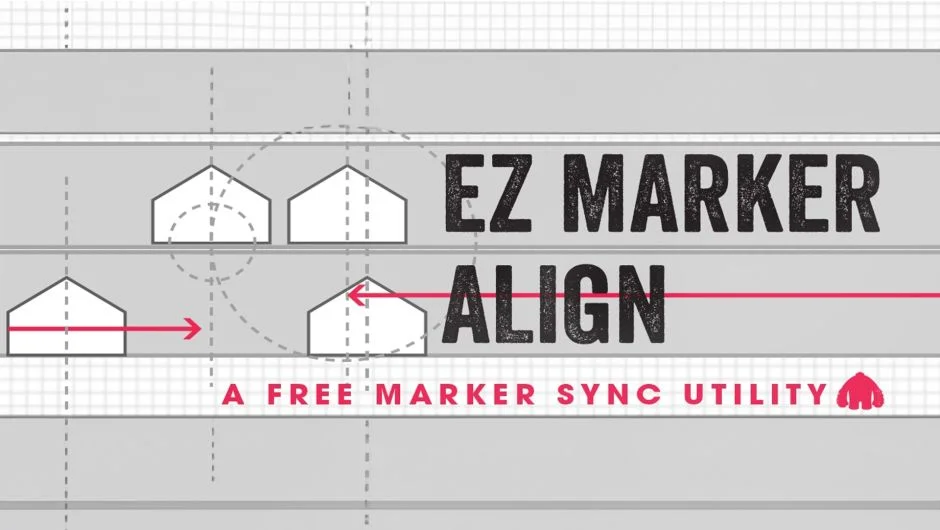
EZ Marker Align matches up markers on one layer with markers on another layer. Select the layer with markers you want to adjust, then the reference layer, and click ‘Align’. The plugin repositions the first layer’s markers to align with the second layer’s marker positions.
Key Features
Simple two-layer workflow. Pick your adjustment layer, pick your reference layer, apply. No manual dragging or timing math required.
Useful for text synchronization. Works particularly well for syncing text layers within EditMonkey and MonkeyWords projects, where multiple text elements need to hit the same timing cues.
The plugin expects both layers to have the same number of markers. If the counts don’t match, alignment results may be unpredictable.
Who It’s For
Motion designers working with marker-based workflows, especially those using other Ebberts + Zucker tools. Also useful for anyone building audio-reactive animations where multiple layers need to trigger at identical marker points.
Pricing
Free.
