
What It Does
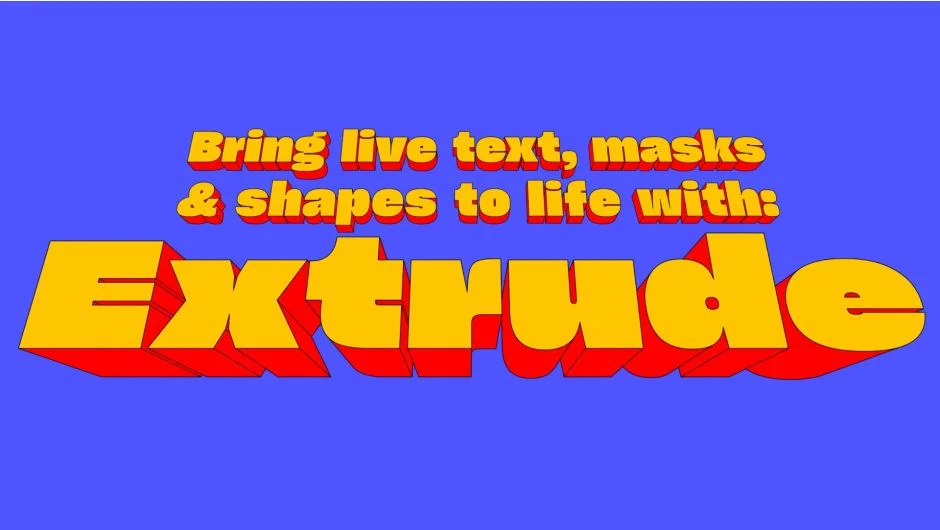
Extrude turns flat text layers, shape layers, and masks into 3D geometry without leaving After Effects. Choose from directional extrusion (parallel depth), vanishing point perspective, or full 3D mode that integrates with After Effects cameras. Works with live text, meaning you can still edit your type and see extrusions update in real time.
Unlike native After Effects 3D text, Extrude preserves compatibility with text animators, works with shape layer morphs, and handles complex overlapping paths. The plugin renders via GPU acceleration with support for 32bpc and multi-frame rendering.
Key Features
Three extrusion modes. Directional mode creates parallel depth like isometric designs. Vanishing mode adds perspective from a controllable vanishing point. 3D mode works with After Effects cameras for proper perspective shifts (though depth of field isn’t supported).
Inner and outer extrusion. Transition smoothly between standard outward extrusion and inverted inward extrusion. Control front and back extrusion depth independently, with separate pivot anchors for each.
Gradient shading. Apply solid colors or radial gradients with up to 32 color stops via a radial gradient editor. Non-interpolating gradients create flat shading for geometric styles.
Text animator compatibility. Most built-in After Effects text animators work directly with Extrude. Animate per-character properties like position, rotation, and scale while maintaining the extrusion effect. Also compatible with path-aligned text.
Shape layer support. Extrude shape layers for morphing animations. Merge Paths and Transform effectors are supported. Parametric primitives (polygons, rounded rectangles) need conversion to bezier paths first. Other shape effectors like Wiggle Paths aren’t compatible.
Robust path handling. Processes intersecting paths, overlapping shapes, and mask modes (add, subtract, difference). Works with complex typography including fonts with unusual contours.
Performance. GPU-accelerated rendering with native Apple Silicon support. 32bpc color depth and multi-frame rendering for faster export. Built-in anti-aliasing for smooth edges.
Who It’s For
Motion designers working with kinetic typography, title sequences, or isometric designs. Useful for creating dimensional type without third-party 3D software or the limitations of native After Effects 3D layers. Pairs well with other text animation tools like the free Repeater plugin for duplicating extruded elements.
Note that motion blur requires post-processing with CC Force Motion Blur, and the 3D camera mode won’t render depth of field.
Pricing
Pay what you want pricing, with a suggested price of $49.95. A trial version is available. Perpetual license with upgrade discounts for existing customers. No subscription.