
What It Does
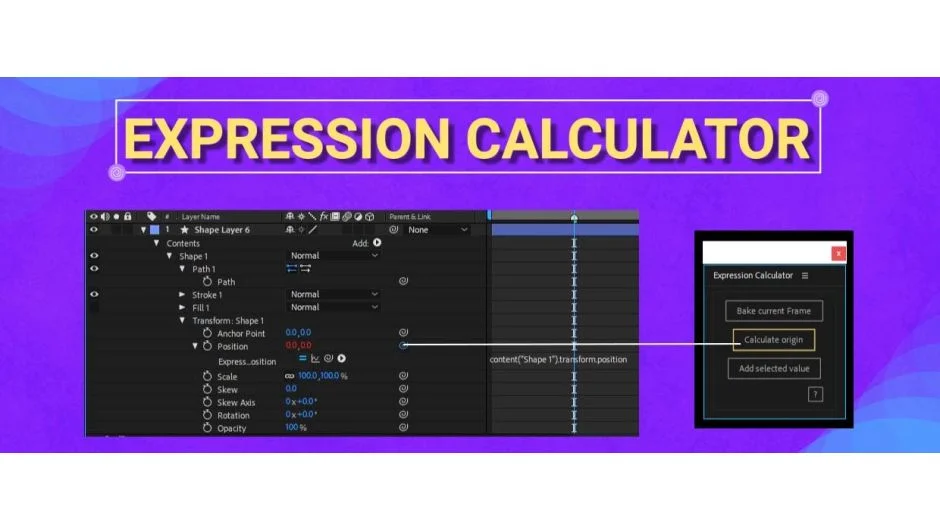
Expression Calculator shows you the numeric difference in a property’s value before and after you apply an expression to it. This is useful when building After Effects templates where you need to know exactly how an expression affects values at specific frames.
Key Features
Calculate difference values. Select any property with an expression and see the before/after difference in its value. This helps you understand exactly what your expression is doing numerically.
Bake expressions to keyframes. Convert an expression-driven property into baked keyframes at the current frame. Useful when you need to preserve an expression’s output as static values.
Add property values to expressions. Insert the current value of a selected property directly into your expression code, saving manual typing and reducing errors.
Who It’s For
Template designers who work with expressions frequently will find this helpful. If you’re building motion graphics templates or presets that rely on expression-driven animation, these calculation tools speed up the testing and refinement process.
Pricing
$10 for a single user license. Compatible with After Effects CC 2014 through 2022.
