
What It Does
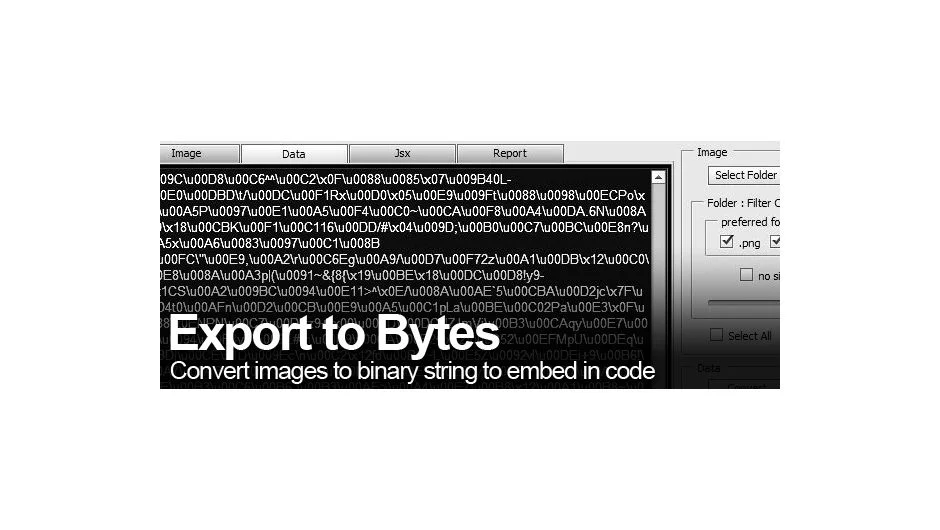
Export to Bytes converts image files into binary text strings that you can embed directly in After Effects script source code. This lets you distribute scripts as single .jsx files without requiring external asset folders, commonly used to include UI icons and images in script panels.
The script retrieves raw binary data without hex or base64 conversion. Small icons and images convert quickly, with processing time scaling based on file size and computer performance. You can output just the binary string or generate ready-to-use .jsx code examples.
Note: This script has been discontinued and is no longer available for purchase. For converting non-image files, the developer recommends File To Binary Converter.
Key Features
Version 2.0 rebuilt the script specifically for UI image encoding:
Multiple image processing. Load single images or entire folders at once, with filtering options for image type and size limits.
Visual preview system. See all available images before converting, with color-coded size indicators to help you choose which assets to process.
Flexible output. Generate code for one or multiple images and save directly as a usable .jsx file for After Effects.
Who It’s For
This tool serves After Effects script developers who build custom panels and interfaces. If you’re creating .jsx scripts with UI elements, Export to Bytes lets you package everything in a single file instead of maintaining separate asset folders.
Pricing
Export to Bytes was offered as pay-what-you-want before being discontinued. It’s no longer available for purchase. Compatible with After Effects CS6, CS5.5, CS5, and CS4.