
What It Does
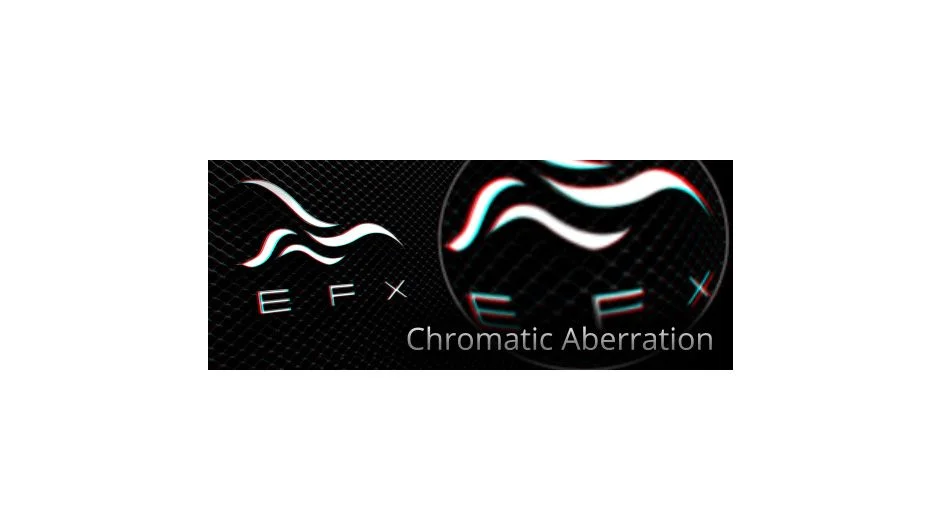
EFX Chromatic Aberration applies or removes chromatic aberration effects to layers in After Effects. The plugin automates the standard workflow of separating a composition into Red, Green, and Blue channels, scaling one of them, and recombining them into a single effect.
The plugin specifically solves the problem of applying chromatic aberration to layers with alpha channels that need to be composited over background images. When attempted manually, this workflow becomes complicated and time-consuming. The plugin handles these complexities automatically.
Key Features
Channel separation automation. The plugin handles RGB channel splitting and recombining without requiring pre-comps or manual layer management.
Alpha channel preservation. Unlike manual methods, it correctly handles transparency when compositing over backgrounds.
Bidirectional operation. You can both add chromatic aberration for creative effects or remove it from footage that has unwanted aberration.
The plugin also works in Premiere Pro CC and above.
Who It’s For
Useful for VFX artists adding lens imperfections to CG elements, motion designers creating glitch effects, or anyone working with optical distortions. Particularly valuable when working with graphics that need to maintain clean edges while adding the chromatic effect.
Pricing
EFX Chromatic Aberration uses a pay-what-you-want model with a suggested price of $14.99. You choose your own price, making it accessible for different budgets. The plugin includes a free trial, and volume discounts apply when purchasing multiple licenses (10% off for 2+, 15% off for 5+, 20% off for 10+).
Existing users can upgrade to new versions at no cost by logging in with their original purchase email.