
What It Does
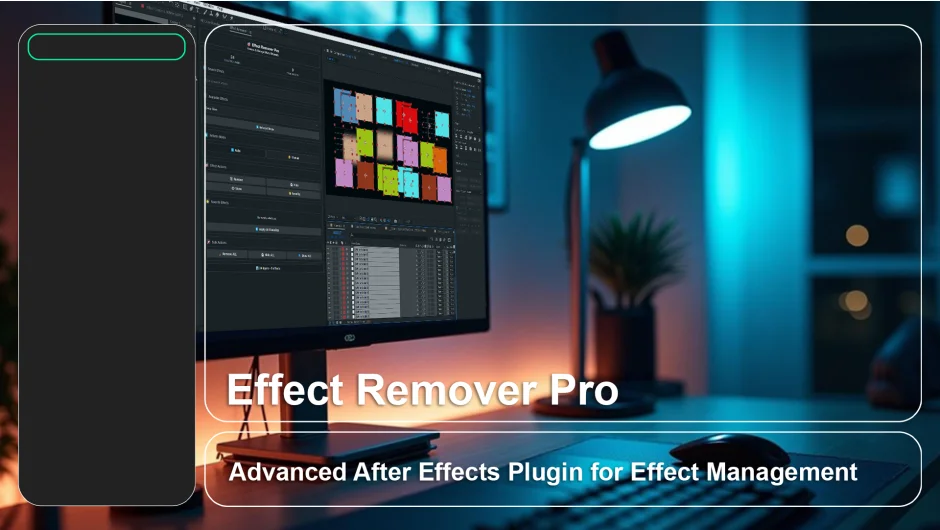
Effect Remover Pro is an After Effects panel that gives you direct control over effects applied to your layers. You can search for effects by name, remove or hide them individually, apply bulk actions across all selected layers, and save frequently used effects to a persistent Favorites list. It works entirely offline and supports full undo (Ctrl+Z / Cmd+Z) for every action.
The main use case is cleaning up or debugging heavy compositions. Instead of manually scrolling through the effects panel on each layer, you get a single interface to find and manage everything at once.
Key Features
Real-time Effect Search. Filter effects by name as you type. Useful when a layer has a long stack of effects and you need to locate one quickly.
One-Click Remove, Hide, or Show. Remove an effect permanently or disable it temporarily for A/B comparisons without losing the settings. Re-enable it just as fast.
Bulk Actions. Remove ALL, Hide ALL, or Show ALL effects on selected layers with a single click. Removals include a confirmation prompt to prevent accidents.
Favorites System. Scan a composition to detect all effects in use, then save your most-used ones to a Favorites list. That list persists between sessions, so you can apply effects to new layers without digging through menus.
Auto and Manual Refresh. By default, the panel updates automatically as you work. For very heavy projects, you can switch to manual refresh to avoid slowdowns.
Full Undo Support. Every action taken through the panel is undoable via the standard After Effects history.
Who It’s For
Motion designers working on complex compositions with many layers and effects will get the most out of this. It is also handy for editors who inherit projects and need to audit what third-party plugins are in use before handing off or rendering.
Pricing
Effect Remover Pro is available on aescripts as a paid single-user or floating server license. A free trial is available for download. Pricing is set by the developer, with periodic sale pricing offered through the aescripts storefront. Check the product page for the current rate.
