
What It Does
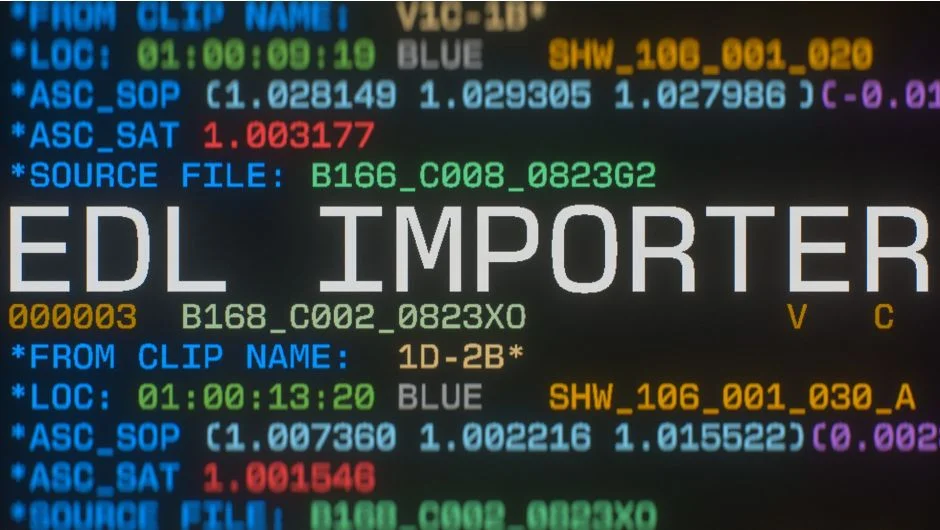
EDL Importer reads Edit Decision List files from editing software like Premiere Pro, DaVinci Resolve, Final Cut Pro, and Avid Media Composer. Drag an EDL into the panel, point it at your media folder, and it builds After Effects compositions that match your edit, complete with timecode, markers, and color data.
Instead of manually recreating an edit in After Effects, you get a working comp structure in seconds. Built by Jordan Steele.
Key Features
Automatic media search. Point the plugin at your source footage directory and it finds and links clips based on the EDL’s file references. You can configure search depth and file matching options.
Three build modes. Choose between a single flat sequence, individual compositions for each clip, or a nested structure where each clip gets its own comp and they’re assembled in a master sequence. All modes preserve edit points and timecode.
Markers and color data. Imports EDL markers as layer or comp markers, including DaVinci Resolve marker-only EDLs. Can also import Color Decision List (CDL) data and Premiere CSV marker files. New in version 1.1: truncate marker comments at the first space to clean up display.
Handles and reference videos. Add optional head and tail handles to clips. Additional actions menu (v1.1+) lets you work with individual EDL elements like markers, CDLs, or reference videos without building the full comp.
Compatible with standard EDL formats. Works with CMX 3600 and similar EDL specs from major NLEs. If you hit an unsupported format, the developer requests you submit the file to expand compatibility.
Who It’s For
Useful for motion graphics artists doing AE passes on edited sequences. Instead of manually rebuilding a cut, you import the EDL, tweak individual clips in After Effects, and export back to your editor. Also helpful for roundtrip workflows where you need to bring markers or color notes from the edit into AE.
Not a replacement for dynamic link, but sometimes you need a baked composition structure rather than a live reference.
Pricing
Pay what you want. The suggested price is $19.99, and businesses must pay the suggested amount for a valid license. Individual users can choose their own price. One-time purchase, not a subscription. Upgrade pricing is available to existing customers who log in.
A trial version is available from the aescripts.com product page. Online user guide included.
