
What It Does
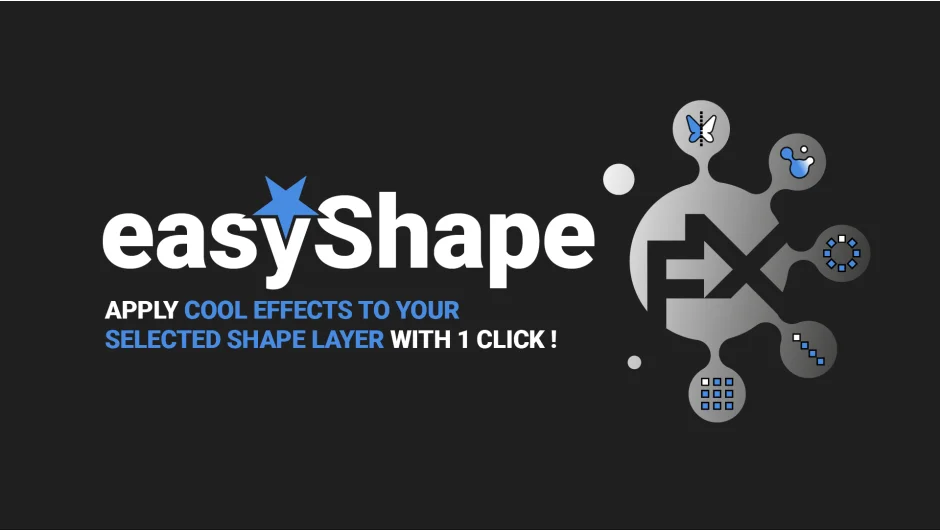
easyShape FX applies five common shape layer effects with a single click. Select a shape layer, press a button, and get instant symmetry, organic blobs, radial arrays, or grid duplications. All effects stay editable through the Effects panel.
Built for motion designers who work with After Effects shape layers but want to skip the tedious process of manually adding and configuring repeaters, merge paths, and other animators.
Key Features
Symmetry. Mirrors your shape horizontally, vertically, or on both axes. Hold Shift for vertical, Shift+Alt for both. Toggle and animate each axis with checkboxes in the effect controls.
Metaball. Creates an organic, blobby look. Adjust blobbiness and shrink/grow sliders. Adds a fill color you can control directly from the effect panel. Based on an original technique by Matthieu Wlazinski (TextEvo creator).
Radial Array. Duplicates your design in a circle. Control radius, axis, angle of completion, and per-step transforms (position, rotation, scale) without opening the shape layer. Combine scale and angle adjustments to create spirals.
Linear Cloner. Arranges duplicates in a line. Set clone count and choose whether to center on the first clone or the average. Adjust per-step position on X or Y to create horizontal, vertical, or diagonal layouts.
Grid Cloner. Duplicates content in rows and columns. Set X/Y clone counts and gap spacing. Uses two native repeaters under the hood (one per axis), which you can manually tweak if needed.
All effects group existing shape layer content and apply standard After Effects animators with expressions. You can remove expressions and adjust manually if you prefer.
Who It’s For
Motion designers creating title cards, infographics, or abstract backgrounds. Useful if you work with shape layers often but don’t want to spend time setting up repeaters and merge paths for common patterns.
Also helpful for beginners learning how shape layer animators work, since the generated effects are built with native After Effects tools.
Limitations
You can’t apply the same effect twice to one shape layer. If you try, a warning appears and nothing happens. Also works on one layer at a time, you can’t multi-select. CS6 users will see “missing effects” warnings (cosmetic only, functionality intact).
Pricing
Pay-what-you-want, suggested minimum $19. Individual users can choose their price. Businesses must pay the suggested amount for a valid license. Compatible with After Effects CS6 and later (with minor CS6 display quirks).
