
What It Does
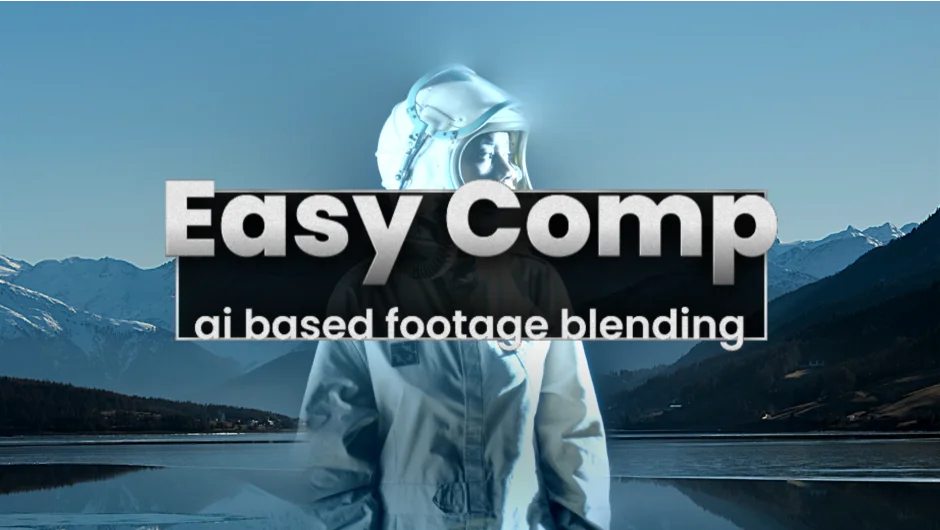
Easy Comp uses AI to composite footage elements onto background layers with automatic color matching. Instead of manually creating masks and adjusting levels to blend a foreground element into a scene, the plugin handles both tasks at once. You position your layers using After Effects’ standard transform tools, apply the effect, and it matches colors and integrates the footage.
The plugin works by analyzing the background layer and adjusting foreground elements to match its lighting, color temperature, and overall tone. This is particularly useful for VFX shots where you need to place objects, people, or other elements into existing footage and have them look like they belong in the scene.
Key Features
AI color matching. The plugin automatically analyzes your background and adjusts foreground layers to match its color characteristics, including saturation, exposure, and temperature. Manual controls let you fine-tune these settings if needed.
Maskless blending. Traditional compositing usually requires drawing masks to define where elements should blend. Easy Comp skips this step entirely, making it faster to integrate simple elements where precise edge control isn’t critical.
Multi-element support. Composite multiple foreground layers onto a single background in one setup. Each element can be transformed independently using After Effects’ normal position, scale, and rotation tools.
GPU acceleration. Requires an NVIDIA GPU with at least 8GB VRAM on Windows or an Apple Silicon Mac with macOS Sequoia and 16GB RAM for acceptable performance. Other configurations will run very slowly.
Who It’s For
This plugin is built for compositors and VFX artists who frequently need to integrate elements into footage. If you’re placing product shots into lifestyle scenes, adding objects to plates, or doing quick comps where manual color grading feels repetitive, Easy Comp streamlines that process. It’s less about replacing traditional compositing entirely and more about handling straightforward integration tasks faster.
Because it bypasses masking, it works best when you don’t need precise edge control. Complex shots with fine hair detail, transparency, or intricate edges may still need traditional rotoscoping tools.
Pricing
Easy Comp costs $49.99 for a single-user license. Upgrade pricing is available for existing customers who own other Blace plugins (requires login to see the discounted rate). The plugin is also available through aescripts’ pay-what-you-want system for individual users, though corporate and institutional buyers must pay the full price.