
What It Does
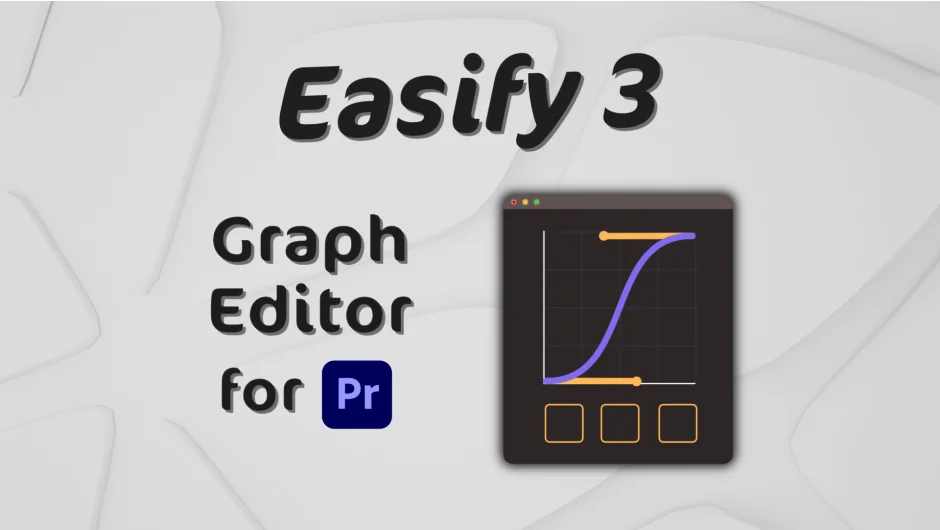
Easify 3 brings a dedicated graph editor to Premiere Pro and After Effects for controlling keyframe easing. Instead of working with fixed presets or manual curve adjustments, you can visually design custom easing curves using Bézier handles or mathematical functions. The plugin supports combining different curve types, mirroring animations, and saving your setups as presets for reuse across projects.
Key Features
The Standard version ($34.99) covers core animation control. You get the graph editor, unlimited preset storage, and tools for manipulating keyframes: mirror curves, rove keyframes across time, copy/paste easing between keyframes, and time-reverse animations. It works in both Premiere Pro and After Effects.
The Pro version ($59.99) adds mathematical curve support and the ability to combine Bézier and math curves for more complex motion. You can customize special curves like Back, Elastic, and Bounce with adjustable parameters. Preset Libraries let you create, import, and export collections of easing setups. Spell Book integration provides keyboard shortcuts for faster workflow. In After Effects specifically, you can apply Bézier easing directly to keyframes and move keyframes to the playhead.
Both versions include a flexible UI that adapts to different panel sizes and working styles.
Who It’s For
Useful for motion designers working in Premiere Pro who want more precise control over animation timing without switching to After Effects. Also helpful for After Effects users who prefer a visual approach to easing over numerical input or want to replicate specific motion curves across multiple projects.
Pricing
Standard: $34.99 (one-time purchase)
Pro: $59.99 (one-time purchase)
You can start with Standard and upgrade to Pro later for $25. Upgrades from Easify 2 vary based on purchase date and version. A trial version is available.

