
What It Does
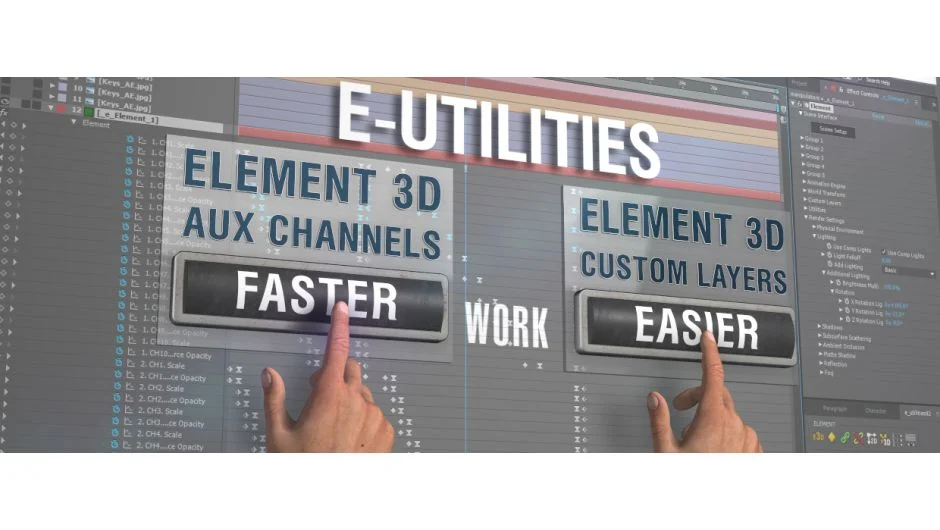
E-Utilities streamlines Element 3D workflows in After Effects. Developed by a Ukrainian TV production company, it targets the repetitive tasks that slow down infographics work: binding groups to control layers, managing custom channels, and setting up text elements. The plugin reduces clicks and automates operations that would otherwise require manual repetition across dozens of animated objects.
Key Features
Group Null Binding. Automatically binds Element 3D groups to control layers (nulls) with format-aware resizing. Copy an Element layer with its control nulls into a different comp format, then reassign bindings with one click. Works with any layer type as a control layer.
2D/3D Mode Switching. Customize scenes in 2D mode, where control layer visibility cascades through child layers, then flip to 3D for rendering. Reduces viewport clutter during setup.
Custom Channel Automation. Bind custom channels to selected layers automatically, or fill them directly from the built-in text editor. Each line of text becomes a separate layer with chosen font and size, bound to custom channels on creation.
Text Editor Integration. Create text layers with automatic space cropping, case conversion, and special character insertion (currency symbols, copyright icons). Windows users can build a favorites list from installed fonts; macOS users enter font names manually.
Keyframe Tools. Add keys to Aux Channels in bulk, or copy and paste keyframes between groups. Set interpolation type and min/max values from a single window.
Layer Selection. Select all layers matching criteria like precomp names or footage types. Useful for batch operations across complex timelines.
Copy/Paste Element Transfer. Move Element 3D setups between comps with all dependent layers, accounting for resolution and pixel aspect ratio differences.
Handles Multiple Element Effects. All tools recognize and work with any number of Element 3D effects on the same layer.
Who It’s For
Motion designers building data-driven infographics, especially for broadcast. If you work with Element 3D scenes that have 20+ animated objects or frequently repurpose templates across different formats, the automation saves time. The custom channel and text editor features suit projects with changing data sets like sports stats or election graphics.
Pricing
Single-user license costs $35. A trial version is available for testing.
