
What It Does
Dupli-Kit handles layer duplication with pattern control in After Effects. Select a layer, set offset properties, and click Duplicate to create multiple copies with specific spacing. After creating duplicates, adjust properties through the effects panel without starting over.
Key Features
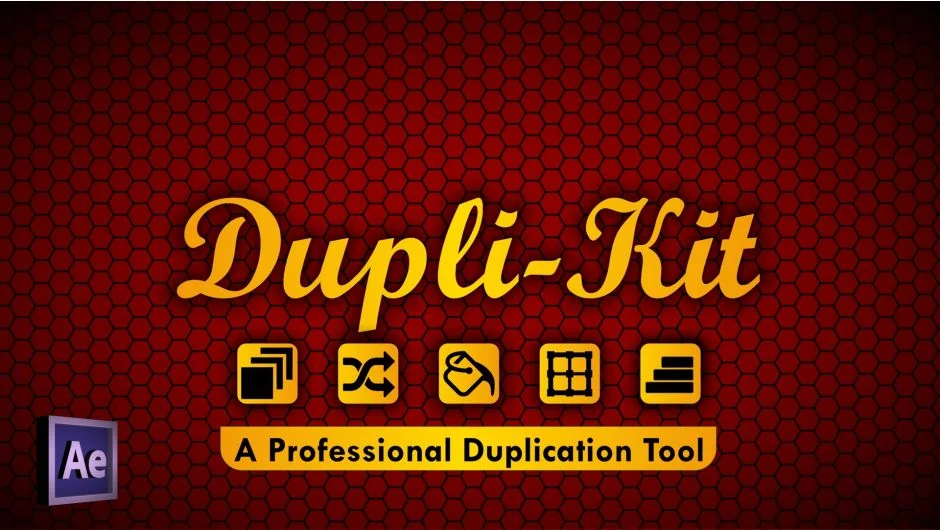
Property randomization. Assigns random values to transform properties (position, scale, rotation, opacity) within defined ranges. Apply randomness to existing duplicates or build it into the duplication pattern from the start.
Anchor point management. Reposition anchor points to layer edges while maintaining composition position. Hold Control and click the grid icons to adjust anchor points instead of moving layers. The “To Last” function transfers all selected layer anchor points to match the last selected layer, useful for aligning pivot points across multiple objects.
Layer coloring. Three methods: random fill from the full spectrum, random selection from chosen colors, or spectral distribution across chosen colors. Set “Fill Color” alone for random colors, add specific colors for random picks from that set, or enable both “Fill Color” and “Spectral” for gradient-like distribution.
Layer sequencing. Sequence layers across the work area or randomly shuffle their positions. Control-click these buttons to arrange based on proximity to the last selected layer (closer layers appear first).
Who It’s For
Motion designers building repetitive patterns in title sequences, logo animations, or geometric compositions. Useful when duplicating animated elements that need consistent spacing but varied properties. Works with any layer type: solids, shapes, text, or footage.
Pricing
$24 for a single-user license. Trial version available for testing before purchase.
