
What It Does
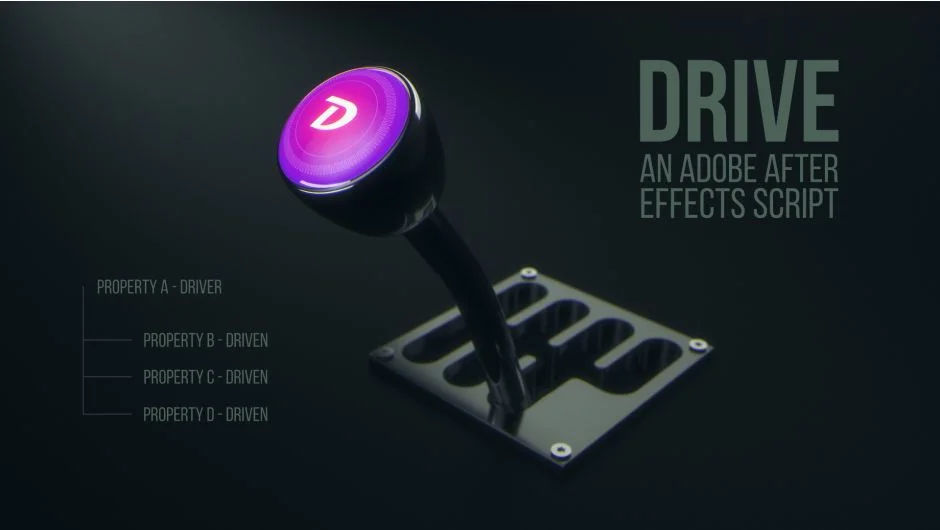
Drive links one layer property (the Driver) to control up to three other properties (Driven). A simple premise with practical reach: rotate a layer based on another’s X position, adjust a particle emitter rate via scale, change hue with opacity. Any numeric property that accepts expressions can serve as either Driver or Driven.
The advantage shows up when timing needs to shift. Instead of juggling keyframes across multiple layers, you adjust one property and the rest follow. Change the easing curve once, and every connected property inherits the update.
Key Features
Driver options. Layer Position (X, Y, or Z), Scale (X or Y), Opacity, Rotation (X, Y, or Z), or any custom numeric property.
Automatic value mapping. Drive calculates min/max ranges from the Driver’s keyframes. You can override these with markers on the control layer if needed.
Linear or ease interpolation. Set Driven properties to match your animation style.
Three Driven properties per instance. Each setup handles one Driver and three outputs. Stack multiple instances for complex rigs.
Who It’s For
Useful for motion designers building rigs where multiple elements move in tandem. The punching glove example from the tutorials shows this clearly: one rotation property drives the glove’s Y position, mirrors rotation on the opposite bar, and shifts X position for both bars. Adjusting timing means tweaking one curve, not hunting through layer stacks.
Character animators working with mechanical rigs or UI designers syncing interface elements will find similar value. Anything that benefits from synchronized motion without expression overhead.
Pricing
$5.99 one-time purchase. No subscription. A trial version is available to test compatibility before buying.

