
What It Does
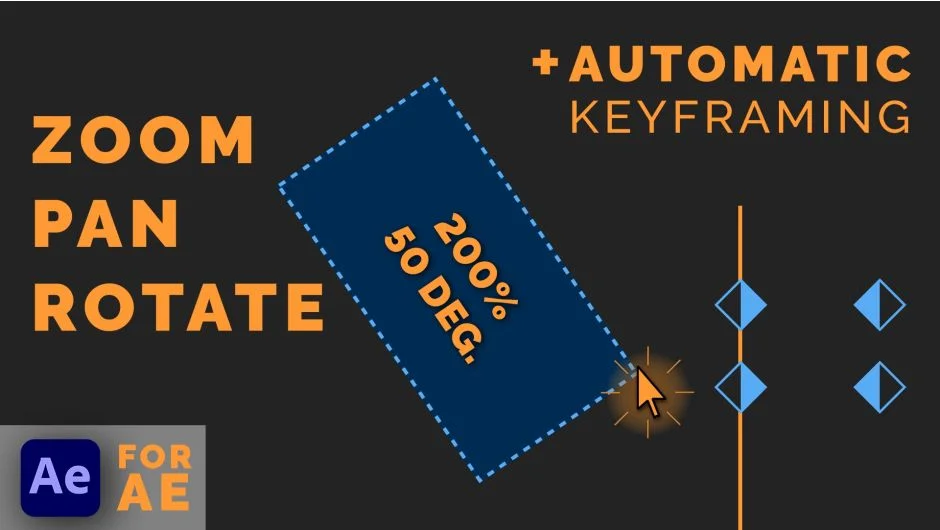
Drag Zoom Pro lets you zoom into any part of your footage by drawing a rectangle around it. The script automatically sets position, scale, and rotation keyframes, eliminating the manual work of calculating proper values. The extension adds natural motion blur to smooth out the transition.
This approach is particularly useful for stream highlight editing, where you need frequent, quick zooms to emphasize action or UI elements.
Key Features
Click-and-drag zoom creation. Draw a box on your footage, and the script generates the keyframes needed to zoom into that area. No manual position or scale adjustments required.
Automatic keyframing. The extension handles timing and values for you, creating smooth transitions between zoomed and unzoomed states.
Motion blur support. Adds natural motion blur to zoom transitions, making them feel less abrupt and more cinematic.
Customization tools. Adjust transition duration, easing, and other parameters to maintain a consistent look across multiple projects.
Who It’s For
This tool targets editors working with gameplay footage, tutorials, or any content that benefits from frequent zoom-in shots. If you regularly highlight specific screen regions or need to create visual emphasis without tedious manual work, this script saves significant time.
Pricing
Drag Zoom Pro uses a pay-what-you-want model, starting at $0. The suggested price is $49.90 for a single-user license. A trial version is available to test the tool before committing to a payment. Floating server licenses are also offered for multi-seat studios.