
What It Does
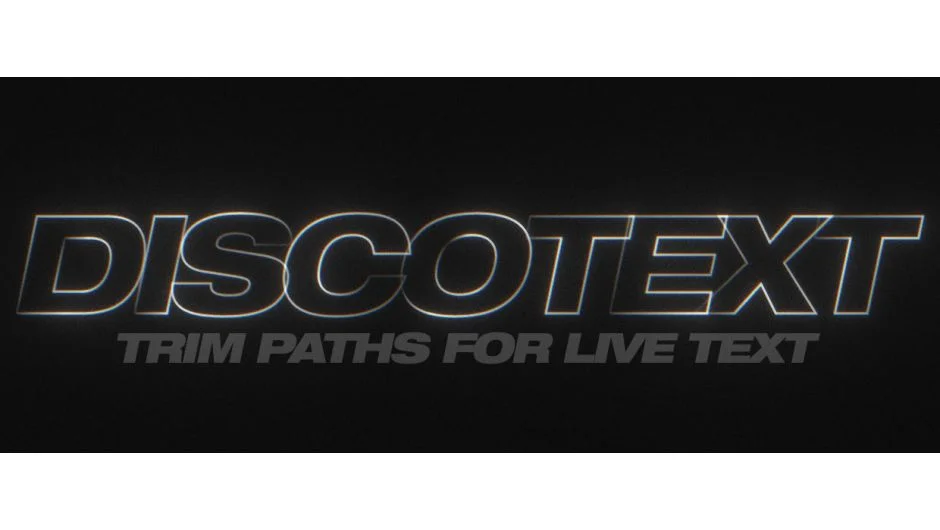
Discotext brings trim paths to live text layers. Instead of converting text to shapes, you get start, end, offset, and dash controls directly on the text layer. The plugin works like shape layer trim paths, letting you animate text reveals, create staggered effects, and clone text with offset transforms.
Key Features
Trim Path Controls. Start, end, and offset sliders work like the shape layer equivalent. Butt, square, and round cap styles let you control the stroke ending.
Dash and Gap. Full dash pattern controls with offset. Useful for creating animated dashed text effects or variable stroke reveals.
Stagger and Order. Stagger per path with order modifiers controls how the trim effect applies across multiple characters. Good for sequential reveals or character-based animation timing.
Clone and Transform. Clone copies of your text with offset transform controls. The plugin can emulate 3D text by repeating layers with position offsets.
Motion Blur Controls. Samples, angle, and phase parameters for motion blur. Helps create variable-width stroke effects when combined with dash settings.
Text Animator Compatibility. Works with most built-in text animator properties, so you can combine Discotext with tracking, baseline shift, or other text animation parameters.
Who It’s For
Useful for motion designers working with kinetic typography or animated text reveals. If you’ve ever wished text layers had the same trim path controls as shape layers, this solves that.
Limitations
In After Effects versions before CC2018, text layers with parented transforms may behave incorrectly depending on the parent’s transform properties. Adobe fixed this in CC2018 and later.
3D text layers must be precomposed before offsetting in Z-space.
Pricing
Single user license is $39.95. Supports 8, 16, and 32bpc color depth. Compatible with After Effects CS6 through 2026, including multi-frame rendering in AE 2022 and later.