
What It Does
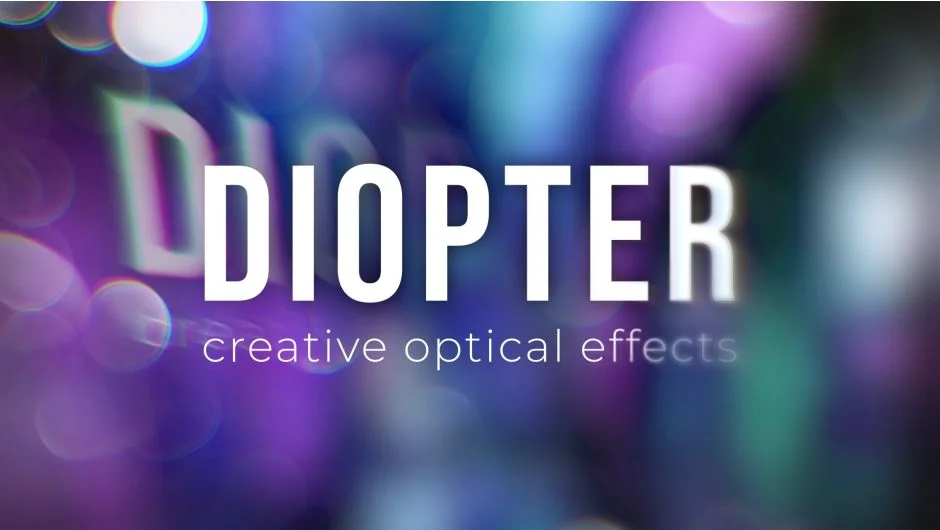
Diopter applies optical effects (blur, distortion, color shifts) to a layer using a lens-shaped mask. Pick from built-in contours or use a custom layer as a luma matte, then apply blur types, chromatic aberration, or optical distortion selectively through that mask. The lens shape can be positioned, scaled, and feathered like any other mask.
Key Features
Multiple blur modes. Choose fast blur for speed, realistic blur for quality, or directional blur for motion-like streaks. Trail effects let you stack temporal echoes through the lens.
Optical distortion and chromatic aberration. Simulate lens imperfections by warping pixels and separating color channels inside the masked area. Useful for camera-shake FX or dreamy transitions.
Custom lens shapes. Use the included contours or create your own by importing a layer as a luma matte. This makes it easy to mask specific subjects or create shaped vignettes.
Blend modes. Screen, Add, and Multiply modes let you composite the effect naturally over your footage. Control overall intensity with a single slider.
HD presets and footage library. Includes 30 presets, 17 video clips, and 19 still images to practice with. A gallery helps you browse preset results before applying.
M1 and Multi-Frame Rendering support. Render on Apple Silicon natively and take advantage of After Effects’ parallel frame processing for faster previews.
Who It’s For
Motion designers adding selective blur or light leaks to title animations. VFX artists simulating lens distortion for composites. Anyone who needs more control than a full-frame blur effect, like blurring a background through a circular mask while keeping the center sharp.
Pricing
One-time purchase at $39.99. Separate render-only licenses are available if you need to distribute projects across a farm. No free trial listed.