
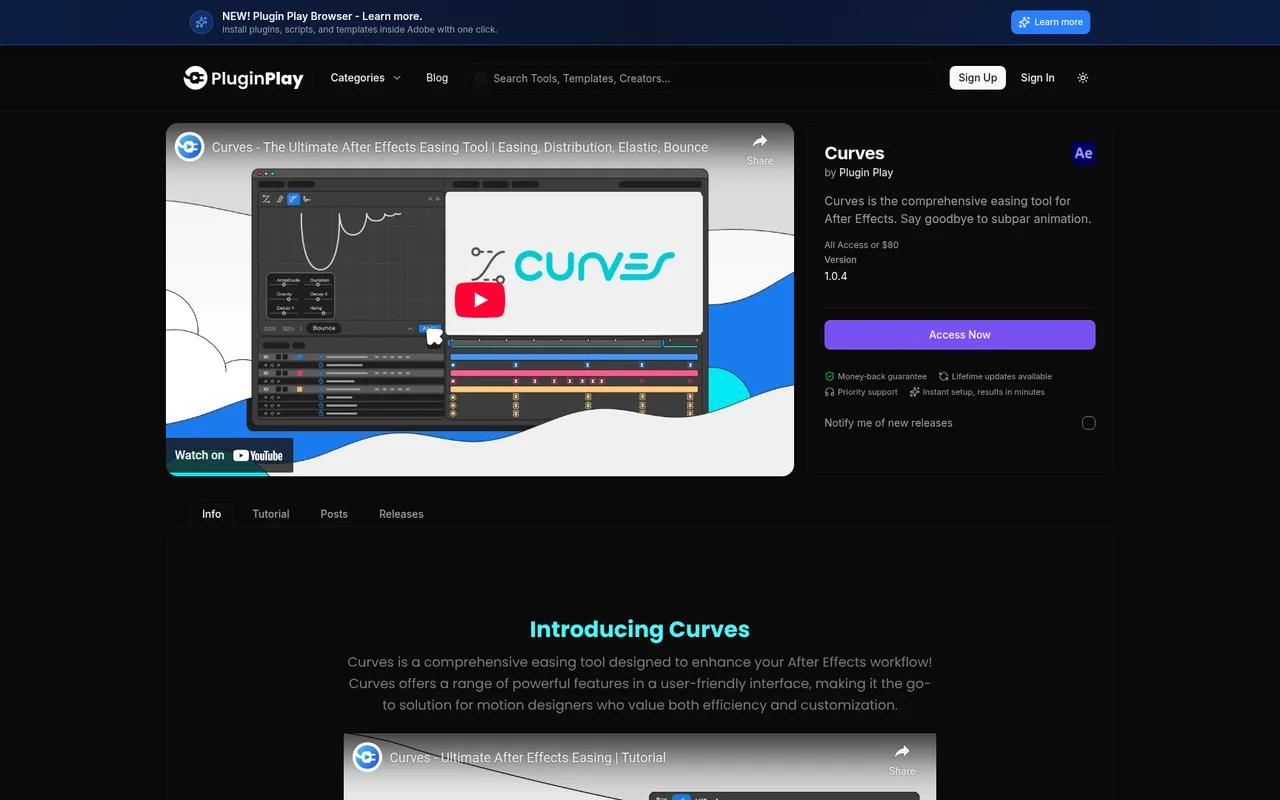
What It Does
Curves replaces After Effects’ default easing with a dedicated toolkit for animation timing. The plugin offers four distinct modes: Easing, Elastic, Bounce, and Distribution. Each mode addresses a specific animation need, from standard bezier curves to physics-based motion.
Key Features
Easing Mode provides bezier handle controls for standard ease in and ease out curves. Adjust handles via visual controls or numeric sliders, or choose from preset curves. Useful for refining the timing of property animations without manual graph editor work.
Elastic Mode applies spring-like motion to keyframes. Control amplitude (how far it stretches), frequency (how fast it oscillates), and decay (how quickly it settles). Good for UI elements, logo animations, or any motion that benefits from overshoot and settle behavior.
Bounce Mode adds impact-based motion where elements hit and rebound. Adjust bounce height, speed, and decay to control how pronounced the effect is. Works well for objects landing, buttons being pressed, or adding physicality to flat graphics.
Distribution Mode spaces keyframes or layers across the timeline according to a curve. Instead of linear distribution, apply bezier curves to create accelerating or decelerating sequences. The Synergy feature combines distribution with easing, applying different ease curves to each distributed keyframe for cascading animations.
Who It’s For
Motion designers who animate frequently and want faster access to professional easing curves. If you find yourself repeatedly tweaking graph editor curves or want physics-based motion without expressions, Curves provides interface controls for these common tasks.
Pricing
$80 one-time purchase with lifetime updates. Also included in Plugin Play’s All Access subscription ($24.99/month or $249.99/year), which bundles Curves with other tools and assets.
