
What It Does
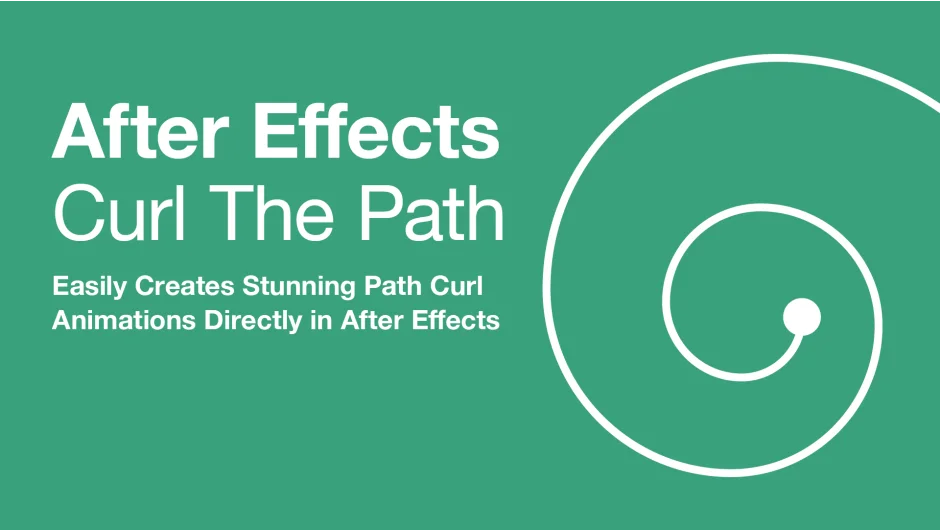
Curl The Path adds Cinema 4D-style helix effects to any mask or shape path in After Effects. Instead of manually animating curved paths, you get direct controls that turn straight paths into spirals, corkscrews, and decorative flourishes.
Key Features
Curl Start Point. Sets where the curl begins on your path. Useful for animating paths that gradually spiral from a specific position, like title reveals or line art flourishes.
Max Total Rotation. Controls how far the path curls, from subtle bends to multiple complete spirals. The effect stacks along the path, creating progressively tighter rotations.
Curl Tightness. Adjusts how tightly each segment coils. Low values create gentle waves, higher values produce tight corkscrew shapes. Works independently from rotation amount.
Spacing Factor. Modifies the gaps between curled segments. Helps create evenly spaced patterns or deliberately spaced-out effects for stylized designs.
Who It’s For
Motion designers working with decorative paths, kinetic typography, or abstract shape animations. Particularly useful if you’ve wanted Cinema 4D’s helix tool directly in After Effects without roundtripping files.
Pricing
Pay-what-you-want pricing (suggested $20). One-time purchase, works in After Effects 2020 through 2025.