
What It Does
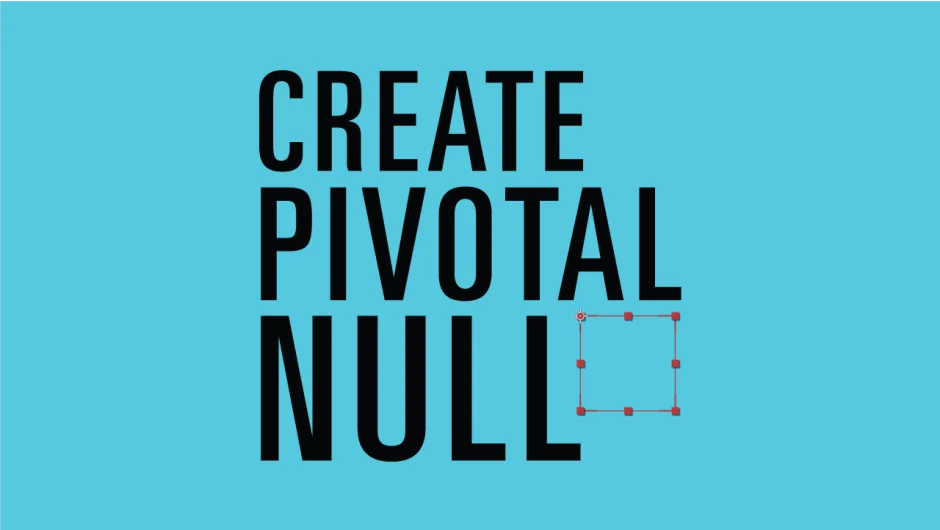
Create Pivotal Null generates null objects at specific points on a layer’s bounding box, then parents the layer to that null. Instead of manually creating controller nulls and fighting to align them with layer edges or corners, you choose a position, click a button, and the script handles the rest. Works on multiple selected layers at once, creating a properly positioned null for each.
Key Features
Point selection. Choose where on the layer bounds to place the null (corners, edges, center). The script works on layer bounds, not visible pixels, so masks and alpha transparency don’t affect positioning.
Parent to Null. Automatically parents the layer to the newly created null, which is typically what you want for rigging setups.
X/Y/Z Offset. Add custom offset values to fine-tune the null’s position relative to the chosen pivot point.
Batch processing. Select multiple layers and the script creates a null at the specified point for each one.
Who It’s For
Useful for motion designers and animators who rig characters, props, or UI elements in After Effects. If you frequently build controller setups that require nulls positioned at specific layer boundaries, this removes the tedious alignment work.
Pricing
Pay-what-you-want with a suggested minimum of $4.99. Individual users can pay any amount; businesses and teams must pay the suggested price for a valid license. One-time purchase.