
What It Does
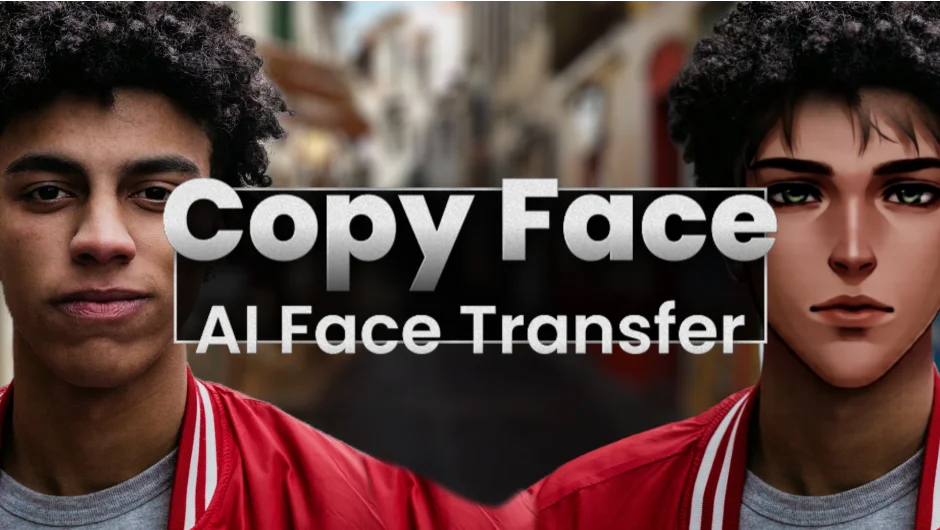
Copy Face swaps faces in video footage using AI that runs entirely on your local machine. No cloud processing, no internet required during use. The plugin handles both real human faces (for actor replacement or content personalization) and stylized faces (anime characters, superheroes, illustrated faces).
The face verification system requires approval for new faces before processing. This safeguard protects against misuse while still giving you full control over your source material.
Key Features
Two processing modes. One Frame Preview replaces faces frame by frame, useful for quick previews and settings adjustment. It’s not temporally stable, so you’ll see flickering between frames. Full Sequence processes about 50 frames at once, creating smooth transitions. The first frame and every subsequent 50-frame batch takes 1-2 minutes to compute, with frames in between rendering much faster.
Single face processing. Currently handles one face per clip. Select your footage layer, pick a new face (from an image layer or a .cpf file provided by Blace), verify the alignment, then process. The plugin automatically centers and aligns faces, but you can adjust manually if needed.
Local AI processing. Everything runs on your machine. For optimal performance, you need Windows with an NVIDIA GPU that has at least 12GB of VRAM. Other Windows setups work but run very slowly. macOS support (Apple Silicon with macOS Sequoia or newer and 32GB+ RAM) is planned for a future release.
Who It’s For
Useful for projects requiring actor replacement, character stylization transfers, or any work where you need to swap faces consistently across multiple frames. The local processing means you’re not uploading client footage to external servers.
Pricing
Copy Face costs $39.99 for a single-user license. Floating server licenses and render-only licenses are also available. An upgrade price of $49.99 is offered through March 16, 2026 for users who already own qualifying Blace plugins.